

Smart Thermostat Repair in Santa Clarita, CA

Smart thermostat repair in Santa Clarita, CA offers expert diagnostics and solutions to restore dependable comfort, efficiency, and smart functionality. Technicians address common issues such as Wi-Fi connectivity loss, firmware update errors, sensor calibration problems, power or battery failures, HVAC compatibility challenges, and app malfunctions. The service distinguishes between remote and on-site support—typically completed within 30–60 minutes for remote fixes and 60–120 minutes for in-person visits—based on the complexity of the problem. Repairs may include firmware updates, sensor recalibration, wiring or power corrections, and system resets. Homeowners also receive maintenance tips and guidance tailored to local HVAC systems, ensuring long-term reliability and consistent performance.
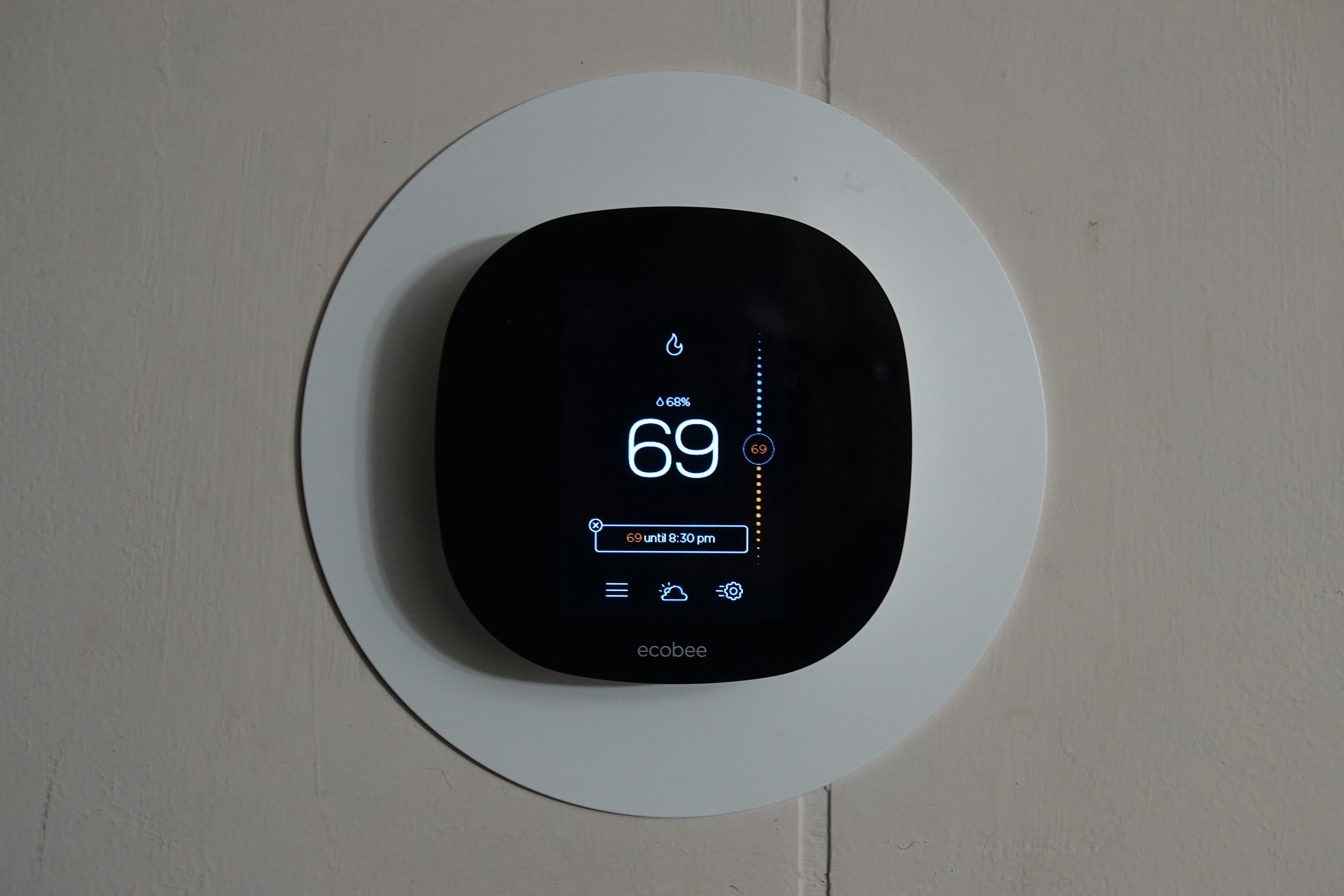
Smart Thermostat Repair in Santa Clarita, CA
Smart thermostats offer convenience and energy savings, but when they fail you lose comfort, control, and potentially higher HVAC efficiency. In Santa Clarita, CA, where hot, dry summers and seasonal wildfire smoke put extra demand on air conditioning and filtration, reliable thermostat operation is essential. This page covers common smart thermostat problems in Santa Clarita, how professionals diagnose and fix them, remote vs on-site support options, realistic repair timelines, and practical tips to keep your smart thermostat working consistently in local homes.
Common smart thermostat issues in Santa Clarita homes
- Connectivity and Wi‑Fi problems
Symptoms: thermostat offline in app, delayed commands, no remote control. Causes include weak home Wi‑Fi, router placement, router firmware, or thermostat distance from the access point. Intermittent internet from local ISPs during storm or maintenance can also disrupt cloud functions. - Firmware update failures or corrupted updates
Symptoms: thermostat freezes during update, features disappear, or frequent reboots. Often caused by interrupted downloads or low internal power during the update. - Sensor calibration and inaccurate temperature readings
Symptoms: home feels too warm or too cool relative to thermostat reading. Dust buildup, direct sunlight, or improper thermostat placement can skew sensors. - Battery and internal component failures
Symptoms: display blank, thermostat loses settings when power cycles, or intermittent operation. Many smart thermostats rely on a constant low-voltage power source; weak batteries or failed internal voltage regulators cause instability. - Restoring settings after resets or power loss
Symptoms: schedules and integrations lost after reset; inability to reconnect to the cloud. Some accounts automatically sync settings; others require manual reconfiguration. - Compatibility issues with HVAC systems
Symptoms: HVAC short-cycling, inability to run heat pump stages, or no control of multi-stage systems and zoned systems. Common in older homes without a C-wire or with nonstandard control boards. - App, automation, and geofencing failures
Symptoms: schedules don’t run, smart home integrations drop, or location-based triggers fail. Usually tied to account issues, app permissions, or mobile device settings.
How professionals diagnose smart thermostat problems
- Initial remote assessment (when possible)
- Check account and cloud status for the thermostat brand.
- Walk you through basic network checks: router, Wi‑Fi SSID, and app sign-in.
- Guide a soft reset and check for firmware update availability.
Remote support often resolves connectivity and app-related issues within a single session. - On-site diagnostic process
- Visual inspection of thermostat location for drafts, direct sunlight, and dust.
- Remove thermostat and inspect wiring: verify presence and voltage on the C-wire and other terminals.
- Use a multimeter to test 24VAC supply from the HVAC control board and check for shorts or grounding issues.
- Test HVAC response to thermostat commands and verify staging and control signals to the air handler, furnace, or heat pump.
- If needed, test with a compatible replacement thermostat to isolate whether the issue is the thermostat or the HVAC control board.
Remote vs. on-site support — when each is appropriate
- Remote troubleshooting is effective for: app connectivity, account issues, basic firmware updates, and guided restarts. It minimizes interruption and is often quicker.
- On-site service is required for: wiring problems (missing or faulty C-wire), internal thermostat hardware replacement, diagnosing HVAC control board faults, and calibrating sensors in-situ. Most compatibility diagnoses and physical repairs need a technician at your home.
Typical repair timelines (what to expect)
- Remote fixes: often completed within 30–60 minutes if the problem is account or network related.
- On-site diagnostic visit: typically 60–120 minutes for inspection, testing, and minor repairs.
- Parts replacement or more complex HVAC integration: may require ordering compatible parts or control modules and scheduling a follow-up, extending resolution to a few days depending on parts availability.
Factors affecting timelines in Santa Clarita include availability of specific brand parts, the complexity of zoned systems common in regional tract homes, and any required coordination with HVAC technicians for control board work.
Common repairs and replacements
- Installing a C-wire or power extender to provide stable power for Wi‑Fi and firmware updates.
- Replacing batteries, internal fuses, or the thermostat unit when voltage regulators fail.
- Repairing or replacing damaged low-voltage wiring and terminals.
- Updating firmware carefully or reloading factory images to recover from corrupted updates.
- Recalibrating or relocating sensors to correct temperature offsets.
- Adding compatibility modules or configuring settings for multi-stage heat pumps, zoned systems, or communicating HVAC equipment.
Diagnosing compatibility with Santa Clarita HVAC systems
Many homes in the Santa Clarita Valley have split systems, heat pumps, or older forced-air furnaces. Compatibility checks focus on:
- Presence of a stable 24VAC source (C-wire).
- Whether the HVAC system uses proprietary communicating thermostats or standard relay-style terminals.
- Multi-stage heating/cooling or heat pump reversing valves that need specific thermostat support.
A proper compatibility check prevents issues like short cycling, stuck relays, or loss of dehumidification control during hot summer months.
Maintaining reliable smart thermostat operation in Santa Clarita
- Place the thermostat correctly: on an interior wall away from direct west-facing sun, vents, kitchens, and garages to avoid false readings.
- Protect against dust and smoke: frequent filter changes and routine HVAC cleaning during wildfire season reduce sensor drift and system strain.
- Stabilize power: ensure a proper C-wire or use a manufacturer-approved power adapter to avoid frequent reboots and failed updates.
- Keep your home network healthy: modern routers with dual-band Wi‑Fi, up-to-date firmware, and good placement improve thermostat connectivity.
- Schedule firmware updates during low-use periods: nightly updates reduce the risk of interrupted installs during peak cooling times.
- Periodic checks: verify schedules, automations, and sensor readings seasonally, especially before the summer cooling peak and before heating season.
Benefits of timely smart thermostat repair
Prompt repair restores consistent comfort, preserves HVAC efficiency, prevents unnecessary system wear from short cycling, and ensures features like scheduling and remote control remain reliable. In Santa Clarita, where seasonal extremes and poor air quality can increase HVAC load, a functioning smart thermostat helps maintain indoor comfort and energy efficiency while protecting indoor air quality controls.
If you need a thorough diagnostic or want to verify compatibility with your specific HVAC system, a methodical inspection will identify whether a remote fix, wiring change, or parts replacement is the correct path to long-term reliable performance in your Santa Clarita home.
Customer
Testimonials
Our customers consistently praise the exceptional service and professionalism of our team. They appreciate the honest advice, meticulous work, and the care taken to ensure their satisfaction.

.webp)
Service Areas
