

Smart Thermostat Installation in Santa Clarita, CA

Smart thermostat repair in Santa Clarita, CA offers expert diagnostics and solutions to restore dependable comfort, efficiency, and smart functionality. Technicians address common issues such as Wi-Fi connectivity loss, firmware update errors, sensor calibration problems, power or battery failures, HVAC compatibility challenges, and app malfunctions. The service distinguishes between remote and on-site support—typically completed within 30–60 minutes for remote fixes and 60–120 minutes for in-person visits—based on the complexity of the problem. Repairs may include firmware updates, sensor recalibration, wiring or power corrections, and system resets. Homeowners also receive maintenance tips and guidance tailored to local HVAC systems, ensuring long-term reliability and consistent performance.
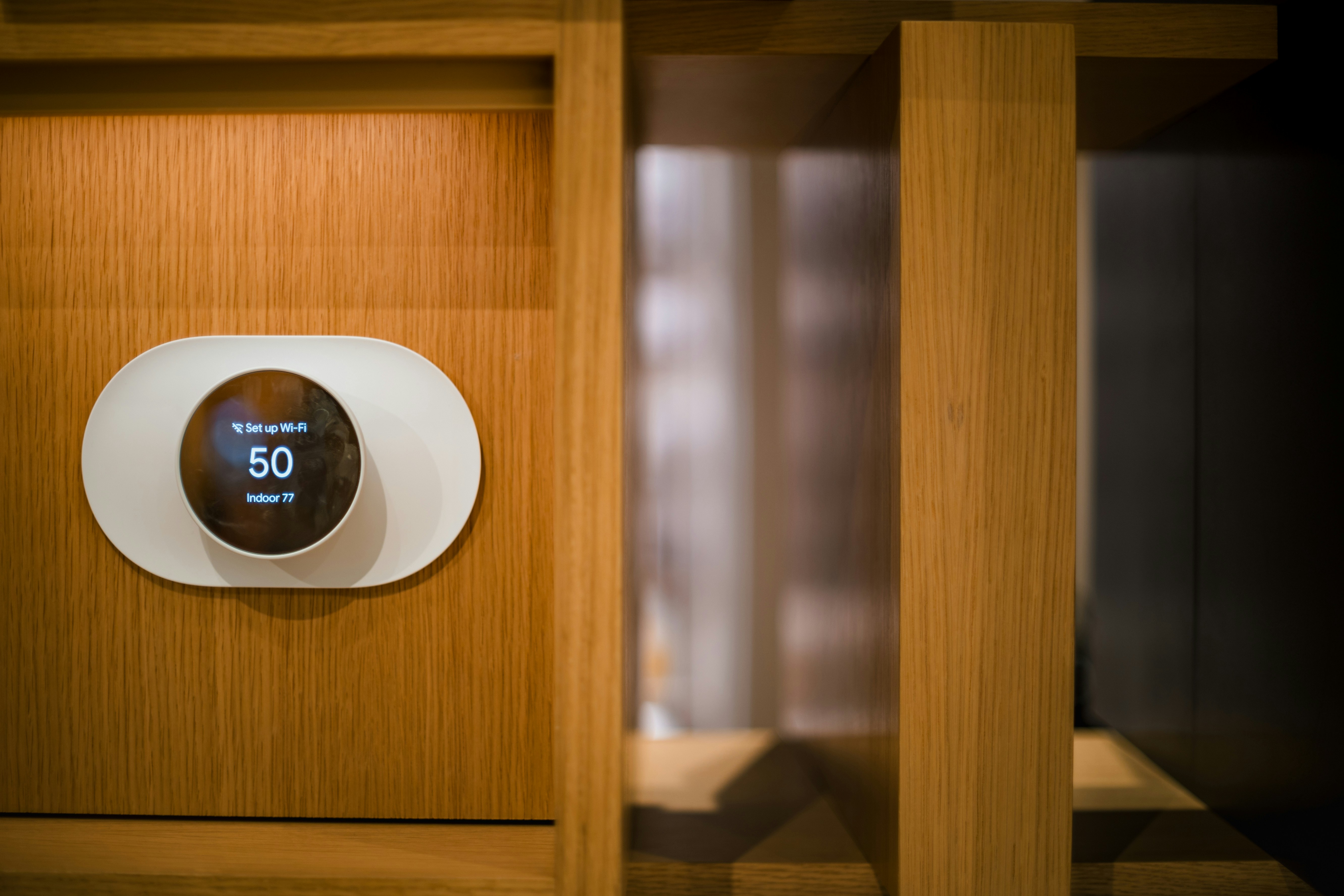
Smart Thermostat Installation in Santa Clarita, CA
Upgrading to a smart thermostat is one of the highest-impact improvements you can make to control comfort and reduce utility costs in Santa Clarita homes. With hot, dry summers and mild winters, homes here experience significant air conditioning demand and frequent peak-rate periods. A properly installed smart thermostat not only adjusts temperature more efficiently but can also shift usage away from costly time-of-use windows, respond to outdoor temperature swings, and integrate with home air quality strategies during wildfire season.
Common smart thermostat issues in Santa Clarita homes
- No common wire (C-wire) in older thermostats prevents reliable power to modern units.
- Incompatible with ductless mini-splits or proprietary HVAC controls.
- Multi-stage heat pumps or dual-fuel systems need specific thermostat models and wiring.
- Weak Wi-Fi in attic or mechanical closets prevents cloud connectivity.
- Incorrect scheduling or lack of integration with local time-of-use electricity plans reduces potential savings.
Compatibility check: what a technician will verify
A proper installation begins with a system assessment to match the right product and wiring approach to your HVAC:
- Type of system: single-stage, multi-stage, heat pump, dual-fuel, forced-air, or hydronic.
- Presence of a C-wire or need for a power adapter / C-wire installation.
- Voltage type (24V control vs millivolt systems).
- Zoning systems, relays, or advanced control panels that require special interfaces.
- Ductless mini-split compatibility (many smart thermostats do not work with proprietary mini-split controls).
- Location and strength of home Wi-Fi where the thermostat will be mounted.
Recommended models and why they fit Santa Clarita homes
- Nest (Google Nest): Strong learning algorithms for homeowners who prefer an adaptive schedule. Good for standard 24V systems and offers energy reports to track savings during summer peaks.
- Ecobee: Excellent for homes that want remote sensors to manage temperature differences across rooms. Works well with multi-stage systems and includes options for a Power Extender Kit if a C-wire is missing.
- Honeywell Home: Broad compatibility across HVAC types, including many multi-stage and commercial systems. Often selected for retrofit scenarios and straightforward manual control.
Choosing between these depends on system compatibility, desired features (remote sensors, learning behavior, HomeKit support), and whether you need a C-wire solution.
Step-by-step installation and network setup
- Pre-install inspection: confirm wiring, system type, and Wi-Fi signal at thermostat location. Label wires and photograph the old thermostat wiring for reference.
- Power down HVAC at the breaker to ensure safe wiring.
- Remove old thermostat, confirm wire labeling, and test for 24V presence.
- Install C-wire or a compatible adapter if needed; for homes without an easy C-wire run, technicians can install a power extender kit or upgrade the control transformer.
- Mount the new thermostat base, connect labeled wires, secure housing, and restore power.
- On power-up, complete on-device setup: select system type (heat pump, forced-air), stages, fan control, and sensor usage.
- Connect to the home Wi-Fi and complete app-based setup to enable remote control, energy reports, and firmware updates.
- Run system tests (heat and cool cycles) to verify proper operation.
Configuring schedules, energy-saving features, and TOU alignment
- Create a temperature schedule that reflects your household habits: cooler at night, setback while away during daytime, pre-cooling in late afternoon. Smart thermostats can pre-condition your home to avoid peak-rate usage.
- Enable eco or energy-saving modes to allow wider comfort bands when occupancy sensors or geofencing indicates nobody is home.
- Use remote sensors (Ecobee) or multiple thermostats to reduce hot spots common in Santa Clarita’s valley heat.
- Integrate Time-of-Use (TOU) electricity rates from Southern California Edison into scheduling logic where supported, so heavy cooling is shifted to off-peak hours when practical.
- Activate reminders for filter changes and set HVAC maintenance notifications to maintain system efficiency.
Smart home platform integration
Smart thermostats integrate with major platforms to expand convenience and automation:
- Google Home (Nest and many Ecobee/Honeywell models)
- Amazon Alexa for voice control and routines
- Apple HomeKit (select models and adapters)
- Samsung SmartThings for broader automation involving sensors, smart vents, and indoor air quality devices
Integration enables actions like turning down cooling when a smart lock indicates the house is empty, or linking with an indoor air purifier during wildfire smoke events.
Rebates, incentives, and expected energy savings
- Homeowners in Santa Clarita may be eligible for rebates or incentives through Southern California Edison, Southern California Gas Company, or state energy-efficiency programs. Incentive availability varies by program, equipment, and income level.
- Typical reported savings from a professionally installed smart thermostat range around 10 to 15 percent on heating and cooling energy, depending on home envelope, HVAC efficiency, and how aggressively schedules and features are used. In hot-summer climates like Santa Clarita, savings can be greater when schedules and TOU adjustments reduce runtime during peak afternoon heat.
User training and practical tips
- Walk-through of the app: schedule editing, temporary holds, vacation mode, and viewing energy history.
- Demonstrate remote sensor placement to address room-to-room temperature imbalance.
- Explain learning features vs manual schedules and how to override or reset learning behavior.
- Show filter change reminders and how to interpret diagnostic alerts.
- Provide Wi-Fi troubleshooting basics: placing the router or a Wi-Fi extender closer to the thermostat area, and ensuring firmware stays updated.
Long-term benefits and maintenance advice
A correctly selected and installed smart thermostat increases comfort, reduces utility bills, and gives better insight into home energy use. To maintain performance:
- Keep HVAC maintenance current: duct sealing, filter changes, and annual system tune-ups.
- Ensure reliable Wi-Fi or harden the network path to the thermostat location.
- Update thermostat firmware when prompted to receive performance and security improvements.
- Revisit schedules seasonally to match changing occupancy patterns and Santa Clarita’s temperature shifts.
A professional compatibility check and clean installation ensure your smart thermostat delivers the expected comfort, control, and savings for local conditions in Santa Clarita, CA.
Customer
Testimonials
Our customers consistently praise the exceptional service and professionalism of our team. They appreciate the honest advice, meticulous work, and the care taken to ensure their satisfaction.

.webp)
Service Areas
