

Thermostat Repair in Rowland Heights, CA

Thermostat Repair in Rowland Heights, CA page guides homeowners through identifying common thermostat issues, understanding how diagnosis is performed, and choosing between repair and replacement. It covers symptoms like display failures, temperature swings, wiring faults, and power problems, plus step-by-step diagnostic procedures technicians use. The content outlines typical repairs, estimated timelines and costs, warranties, and practical troubleshooting steps to try before calling a professional. It also highlights maintenance tips tailored to Rowland Heights climates to protect HVAC efficiency.
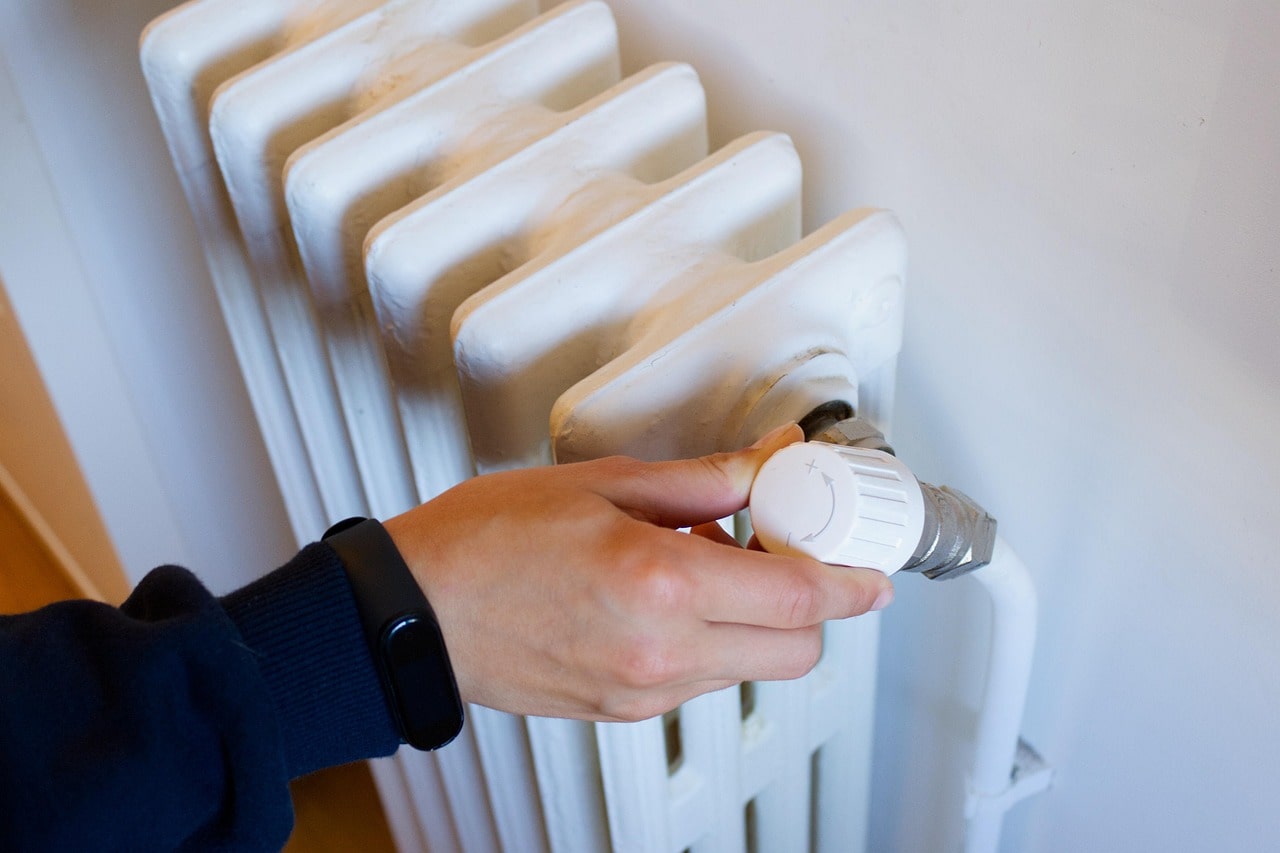
Thermostat Repair in Rowland Heights, CA
Your thermostat is the control center for comfort and energy efficiency in Rowland Heights homes. When it fails, you notice quickly: rooms feel too hot or too cold, the HVAC cycles constantly, or the display goes blank. Thermostat Repair in Rowland Heights, CA explains the most common problems we see in the area, how technicians diagnose and fix them, realistic repair timelines, and when replacement is the smarter choice. This page also offers troubleshooting steps you can take before scheduling professional service and outlines typical guarantees you should expect.
Why thermostat issues matter in Rowland Heights
Rowland Heights experiences hot, dry summers and mild winters, so many homes rely on air conditioning for long stretches. High use increases wear on thermostats and exposes weak wiring, dead batteries, and sensor drift more quickly. Dust from seasonal winds and occasional power fluctuations in the local grid can also contribute to erratic thermostat behavior. Timely thermostat repair restores comfort, improves energy efficiency, and prevents unnecessary strain on your HVAC system.
Common thermostat problems in Rowland Heights
- Display issues: blank screens, flickering backlight, or unreadable characters. Often caused by power loss, dead batteries, or damaged displays.
- Erratic temperature control: indoor temperature overshoots, undershoots, or frequent short cycling. Frequently due to sensor miscalibration, incorrect thermostat placement, or software glitches.
- Wiring faults: loose, corroded, or chewed wiring that causes intermittent operation or complete failure.
- Power issues: thermostats that won’t power up due to tripped breakers, blown fuses, or failed transformer in low-voltage systems.
- Communication errors: smart thermostats that fail to connect to Wi-Fi or communicate with HVAC equipment.
- Inaccurate readings: thermostat shows a different temperature than the room due to failed sensors or poor placement near heat sources.
Diagnostic procedures technicians use
Technicians start with a targeted, systematic diagnostic to isolate the problem quickly and safely:
- Visual inspection: check the thermostat faceplate, wiring compartment, and wall mounting for obvious damage, loose wires, or signs of corrosion.
- Power verification: confirm incoming power at the thermostat and check the HVAC control transformer and circuit breakers.
- Battery check: for battery-backed models, test and replace batteries to rule out simple power problems.
- System communication: test control signals between thermostat and furnace/air handler using a multimeter or diagnostic mode to verify correct commands.
- Sensor and calibration tests: measure ambient temperature near the thermostat and compare with thermostat readings; run calibration adjustments if needed.
- Software and network checks: for programmable or smart thermostats, inspect firmware version, reset network settings, and verify cloud connectivity when applicable.
- Load and cycling assessment: simulate operation to observe relay behavior and confirm HVAC responses, checking for short cycling or delayed starts.
These diagnostic steps identify whether a simple repair will restore function or whether replacement is more cost-effective and reliable.
Typical repairs you can expect
- Sensor calibration: recalibrating or replacing the internal temperature sensor to ensure accurate readings and stable control.
- Wiring repair: tightening, cleaning, or replacing damaged wires and terminal connectors. In older homes, running a new C-wire for power to smart thermostats is a common fix.
- Power repairs: replacing failed transformers, fuses, or addressing breaker issues so the thermostat receives consistent power.
- Display replacement: replacing the faceplate or the display module if the screen is physically damaged or nonfunctional.
- Software updates and resets: installing firmware updates, clearing glitches, and re-establishing network connections for smart thermostats.
- Relay and component replacement: replacing faulty relays or control boards inside the thermostat that prevent proper signal transmission.
These repairs restore thermostats to full operation in most residential cases and prolong the life of your HVAC equipment.
Estimated repair timelines and cost factors
- Typical repair timelines: many repairs are completed during a single visit, often within 30 minutes to two hours depending on complexity. More involved tasks, like running new wiring through walls, may require additional time or a follow-up visit.
- Cost factors to consider: complexity of the fault, whether parts need replacement, accessibility of wiring, type of thermostat (basic, programmable, or smart), and whether additional HVAC components need servicing. Repairs are generally less disruptive than full replacements, but extensive wiring work or replacing obsolete systems increases time and resources required.
When replacement is the recommended option
Replacement is often the best choice when:
- The thermostat is more than 10 years old and shows repeated failures.
- Multiple components are failing or OEM parts are no longer available.
- You want to upgrade to a programmable or smart thermostat for better energy management and remote control.
- Repeated wiring or transformer issues indicate aging infrastructure that will continue to cause problems.
- Repair costs approach the price of a modern replacement that offers improved accuracy and efficiency.
Choosing replacement can also be practical in Rowland Heights where newer thermostats paired with efficient HVAC settings can reduce cooling costs during hot months.
Troubleshooting steps to try before calling a technician
- Check power and breakers: ensure the HVAC breaker is on and any inline fuses are intact.
- Replace batteries: if your thermostat uses batteries, replace them with fresh ones to rule out simple power loss.
- Verify settings: make sure the thermostat is set to the correct mode (cool/heat/auto) and the temperature setpoint is appropriate.
- Reset the thermostat: perform a soft reset or reboot according to the manufacturer’s instructions to clear temporary software issues.
- Inspect the wiring compartment: with the power off, remove the cover and look for loose or disconnected wires—do not attempt to splice or reconnect live wires.
- Clean around the thermostat: remove dust or debris and ensure the device is not blocked by furniture, curtains, or sunlight that can skew readings.
- Test with a portable thermometer: compare room temperature to thermostat reading to spot sensor inaccuracy.
If basic troubleshooting does not resolve the issue, a professional diagnostic prevents misdiagnosis and potential damage to the HVAC system.
Service guarantees and warranties
Reputable thermostat repair services typically provide warranties that protect parts and labor:
- Manufacturer warranties: replacement parts like sensors and displays are usually covered under the manufacturer’s warranty period.
- Labor guarantees: many technicians offer a limited labor warranty that covers repairs for a defined period to ensure the fix holds.
- Workmanship assurance: look for clarity on what is covered, duration of coverage, and conditions that void warranties, such as unauthorized DIY modifications.
When arranging service in Rowland Heights, ask for clear documentation of warranties on both parts and labor so you understand protection after the repair.
Maintenance tips specific to Rowland Heights homes
- Schedule periodic thermostat checks before heavy cooling seasons to avoid mid-summer failures.
- Keep thermostats out of direct sunlight, away from heat-producing appliances, and at interior walls for accurate readings.
- Consider adding a C-wire when upgrading to a smart thermostat to prevent power-related issues common in homes with older wiring.
- For dusty or wind-prone periods, clean thermostats and nearby return vents more frequently to avoid sensor interference.
A properly functioning thermostat increases comfort, lowers energy use, and extends HVAC life in Rowland Heights’ climate. If your thermostat is acting up, a focused diagnosis and targeted repair can restore reliable control and help maintain efficient operation throughout the year.
Customer
Testimonials
Our customers consistently praise the exceptional service and professionalism of our team. They appreciate the honest advice, meticulous work, and the care taken to ensure their satisfaction.

.webp)
Service Areas
