

Smart Thermostat Repair in Rowland Heights, CA

Rowland Heights residents rely on smart thermostats for comfort and energy savings, but connectivity, firmware, power, and sensor faults require professional diagnosis. This service guide outlines common issues, step-by-step diagnostic methods, and repair options—from network optimization and firmware updates to wiring, sensor replacement, and hardware fixes. It covers warranty and support pathways and when replacement becomes cost-effective. With clear expectations and safe practices, technicians restore reliable control, stabilize energy use, and safeguard smart-home integrations for Rowland Heights homes.
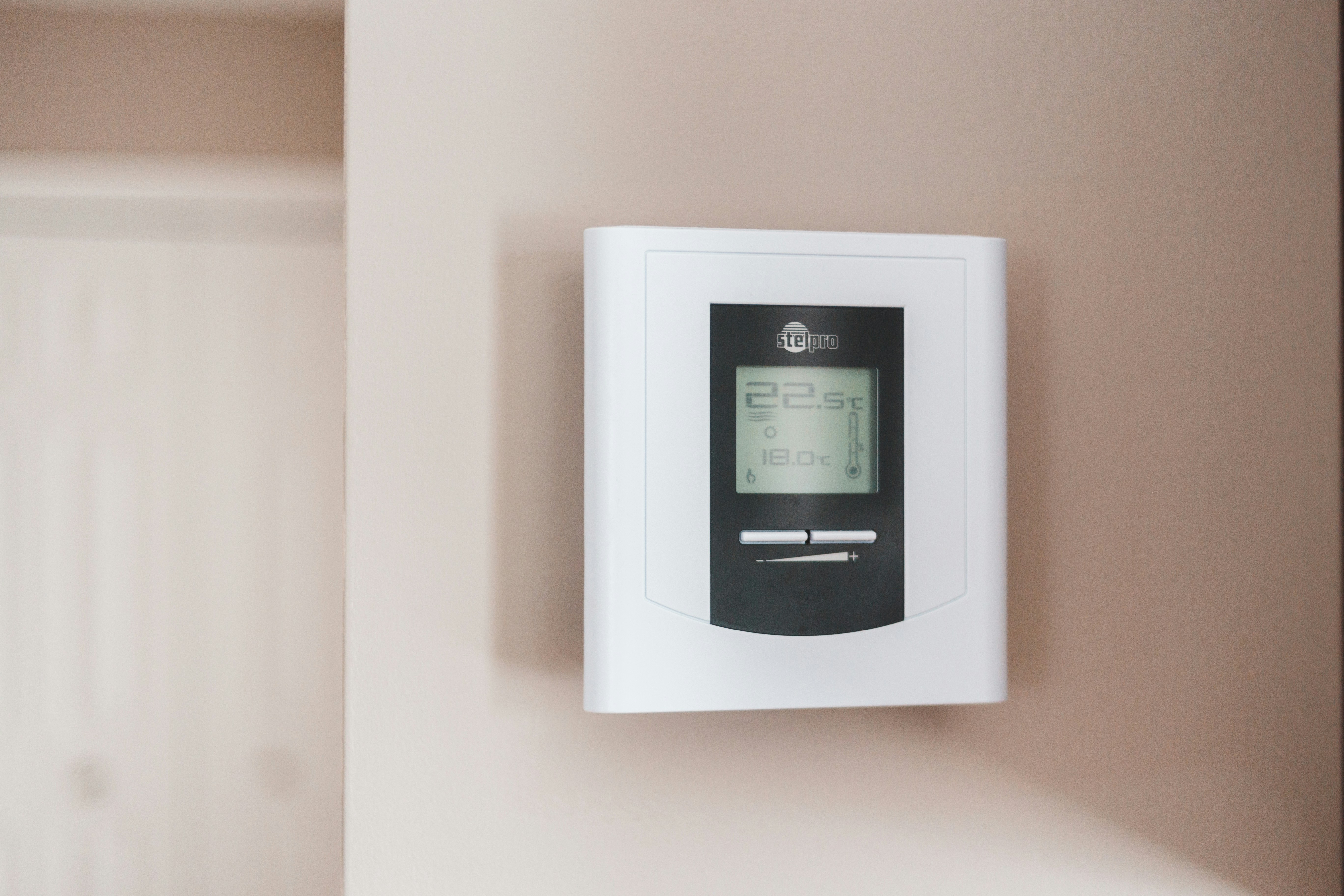
Smart Thermostat Repair in Rowland Heights, CA
Smart thermostats make year-round comfort and energy savings simple, but when they stop behaving correctly they can disrupt schedules, drive up energy bills, and break smart-home automations. If you have a thermostat that's losing connectivity, showing the wrong temperature, failing to respond to the app, or triggering HVAC short-cycling, this guide explains the common causes, the diagnostic and repair process, warranty and support pathways, and when replacement is the smarter choice for Rowland Heights, CA homes.
Why timely smart thermostat repair matters in Rowland Heights
Rowland Heights experiences hot, dry summers and mild winters, which means many homes run cooling and heating systems frequently. That repeated demand can reveal thermostat faults sooner and raise energy costs when controls are inaccurate. Smart thermostats also rely on stable Wi-Fi and integrations with voice assistants and home automation hubs — factors that can vary in suburban neighborhoods with extended ranges, multiple networks, or older HVAC systems. Fast, accurate repair restores comfort, avoids unnecessary equipment wear, and helps keep energy usage efficient during peak seasons.
Common smart thermostat issues in Rowland Heights homes
- Connectivity problems: Thermostat drops off Wi-Fi, can’t pair with the app, or loses cloud access. Causes include weak signal, router settings, 2.4 GHz vs 5 GHz band mismatches, or intermittent ISP outages.
- Firmware or app errors: Incomplete updates, corrupted firmware, or app-account mismatches cause erratic behavior or features to disappear.
- Sensor failures or inaccurate readings: Internal or remote temperature sensors drift or fail, producing rooms that feel too hot or too cool.
- Power and wiring issues: Missing C-wire, weak batteries, faulty transformers, or loose wiring produce reboot loops, blank screens, or inability to control HVAC equipment.
- Hardware faults: Damaged touchscreens, broken relays or circuit boards, and failing Wi-Fi modules lead to partial or total thermostat failure.
- Integration breakdowns: Loss of connection to Google Home, Amazon Alexa, Apple HomeKit, or third-party automation platforms after account changes or API updates.
Diagnostic process — what to expect
A systematic diagnosis isolates network, software, and hardware causes quickly:
- Initial interview and symptom review: Confirm when the problem started, whether it is constant or intermittent, and any recent changes (router replacement, HVAC service, power outage).
- Network assessment: Check Wi-Fi signal strength at the thermostat location, verify network band, SSID visibility, and router settings (firewall or MAC filtering). Test for intermittent ISP outages that can mimic thermostat failures.
- Power and wiring check: Inspect the thermostat’s wiring at the control board and the HVAC system. Verify presence of a C-wire or adequate battery supply and test transformer voltage.
- Firmware and app review: Confirm firmware version, attempt manual firmware update, review app account status, and check server connection logs if available.
- Sensor and calibration tests: Compare thermostat temperature readings to a calibrated thermometer in the same room and test remote sensor performance where applicable.
- Hardware diagnostics: Run internal diagnostics to test Wi-Fi module, relays, display, and other components. Visual inspection for corrosion, burn marks, or water damage.
Typical repair solutions
- Network troubleshooting and optimization: Move thermostat closer to router or add a Wi-Fi extender/mesh node, switch to 2.4 GHz if required, or adjust router settings to allow thermostat access.
- Firmware updates and app fixes: Apply stable firmware, reinstall or update the mobile app, reset cloud account links, and re-register the device following manufacturer procedures.
- Power restoration: Add or install a C-wire adapter, replace batteries, or repair transformer/wiring at the furnace or air handler to ensure stable power.
- Sensor repair or replacement: Replace failed internal sensors or remote sensor modules and recalibrate temperature readings.
- Hardware component replacement: Replace failed circuit boards, Wi-Fi modules, relays, or displays where parts are available.
- Re-establish smart-home integrations: Re-link Google, Alexa, or HomeKit accounts, reconfigure automations, and verify voice commands and routines function correctly.
Warranty and support options
- Manufacturer warranty: Most smart thermostats include a limited warranty (commonly 1 to 3 years). Check product registration, proof of purchase dates, and serial numbers to verify coverage. Repairs performed by unauthorized parties may void warranty terms.
- Extended and third-party warranties: Home warranties or extended coverage plans sometimes include thermostat electronics; review terms to understand coverage limits and claim procedures.
- Manufacturer support channels: If under warranty, manufacturers often provide firmware-level patches or free replacement units. Be prepared to provide logs, photos, and symptom descriptions. If warranty has expired, authorized service centers can repair with OEM parts when available.
- Documentation and backups: Before any major repair or reset, back up schedules and settings in the mobile app when possible to simplify restoration.
Restoring functionality and reconnections
- Start simple: power-cycle the thermostat, router, and HVAC equipment in sequence to clear transient faults.
- If the thermostat needs re-pairing, follow the manufacturer flow: factory reset only after confirming backup of schedules and cloud settings.
- Reconnect smart-home links by signing into the same cloud account in the thermostat app, then re-link with Google, Alexa, or HomeKit from each platform’s integrations menu.
- Recreate or restore schedules and geofencing settings. Verify time zones and location permissions to ensure accurate temperature setbacks and HVAC behavior.
- Test end-to-end: command the thermostat via the app, voice assistant, and local controls. Monitor for 24-72 hours to confirm stability, especially during heavy cooling or heating cycles.
When replacement is more cost-effective than repair
Consider replacement if:
- The thermostat is older than 7 to 10 years and repairs would be recurring.
- Critical parts are discontinued or prohibitively expensive to source.
- Multiple hardware failures occur simultaneously (Wi-Fi, display, and control board).
- An upgrade brings compatibility benefits like better HVAC diagnostics, advanced zoning, improved energy reporting, or eligibility for local utility rebate programs.
- You want built-in features that older units lack, such as multi-zone support, modern voice assistant compatibility, or improved energy optimization that can offset replacement cost over time.
Maintenance and prevention tips for Rowland Heights homeowners
- Keep firmware and apps up to date to avoid known bugs and security issues.
- Maintain a strong Wi-Fi signal at the thermostat: consider mesh networking for larger homes or signal-blocking construction.
- Replace batteries annually where applicable and verify C-wire integrity during HVAC service calls.
- Keep vents and returns clean to avoid false temperature readings caused by restricted airflow.
- Recheck integrations after major changes to ISP, router, or smart-home accounts.
Reliable thermostat control matters more in climates with pronounced cooling demand like Rowland Heights. Addressing connectivity, firmware, power, and sensor issues promptly preserves comfort, reduces energy waste, and maintains the seamless smart-home experience you expect.
Customer
Testimonials
Our customers consistently praise the exceptional service and professionalism of our team. They appreciate the honest advice, meticulous work, and the care taken to ensure their satisfaction.

.webp)
Service Areas
