

Smart Thermostat Repair in West Covina, CA

A malfunctioning smart thermostat can mean poor comfort, higher energy bills, and a frustrating loss of remote control when you need it most. In West Covina, CA, where summer temperatures and seasonal swings put heavy demand on cooling systems, reliable smart thermostat operation is essential for maintaining indoor comfort and maximizing energy savings. At Precise Air Systems (FERGUSON), we understand these challenges. We address common smart thermostat problems in West Covina homes, explaining how our technicians diagnose connectivity and firmware issues, the available repair and replacement options for sensors and hardware, and clear steps to restore integrations, schedules, and energy-saving features.
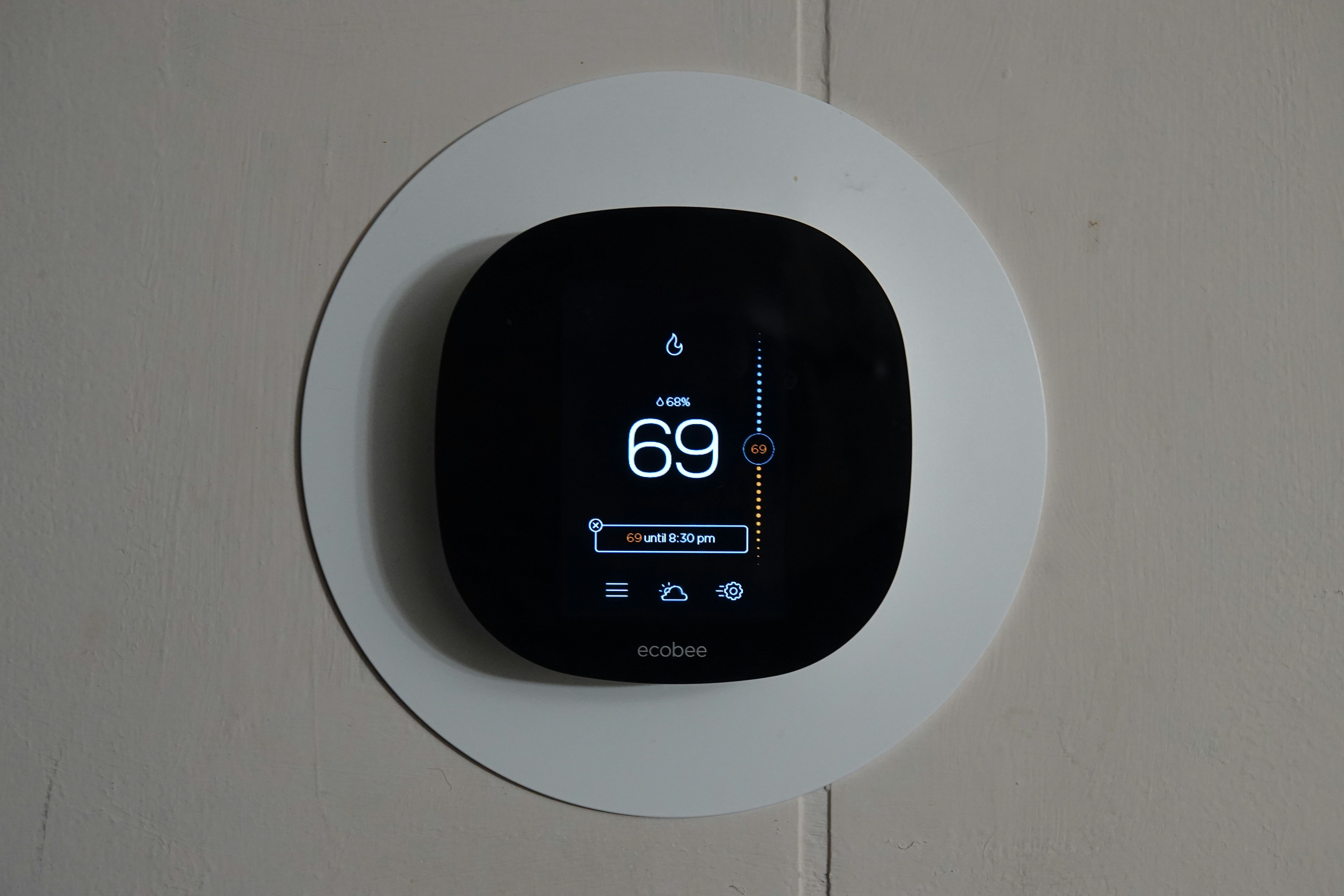
Smart Thermostat Repair in West Covina, CA
A malfunctioning smart thermostat can mean poor comfort, higher energy bills, and loss of remote control when you need it most. In West Covina, CA, where summer temperatures and seasonal swings put heavy demand on cooling systems, reliable smart thermostat operation is essential for maintaining indoor comfort and energy savings. This page explains common smart thermostat problems in West Covina homes, how technicians diagnose connectivity and firmware issues, the repair and replacement options for sensors and hardware, and clear steps to restore integrations, schedules, and energy-saving features.
Common smart thermostat issues in West Covina homes
Homeowners in West Covina report a predictable set of problems driven by local wiring, climate, and network conditions:
- Connectivity dropouts - thermostat loses Wi-Fi, cloud sync, or smart home platform links.
- Firmware or software errors - failed updates, corrupted settings, or boot loops.
- Power issues - missing or intermittent common wire (C-wire), depleted batteries, or HVAC control board power faults.
- Sensor faults - indoor temperature sensors, remote sensors, or humidity sensors showing inaccurate readings.
- Hardware failures - unresponsive touchscreens, faulty relays, or failed internal components.
- Integration failures - Alexa, Google Assistant, Apple HomeKit, or hub unpairing after network changes.
- Schedule loss - accidental factory resets or software resets that erase custom schedules and energy reports.
How diagnostics work - what a technician checks first
A focused diagnostic approach isolates whether the problem is network, software, wiring, or HVAC related:
- Remote pre-checks
- Confirm whether the thermostat is reachable on the network and whether cloud accounts show errors.
- Check firmware version and known manufacturer outage notices.
- Local connectivity tests
- Verify Wi-Fi signal strength at the thermostat location and note 2.4 GHz versus 5 GHz compatibility.
- Inspect router settings that commonly block devices: AP isolation, MAC filtering, or strong firewall rules.
- Power and wiring inspection
- Check for a stable C-wire or correct operation of a C-wire adapter; test system voltage at the thermostat terminals.
- Inspect control board on the furnace or air handler for correct relay operation and voltage output.
- Sensor and HVAC integration tests
- Compare thermostat sensor readings with an independent thermometer and test remote sensor communication.
- Cycle HVAC calls and verify the thermostat is commanding the correct system stages.
- Firmware and software validation
- Attempt safe firmware update or rollback if possible, and capture logs if the device is boot-looping.
Repairs and replacements explained
Once the root cause is identified, common repair options include:
- Restoring stable power
- Install or repair a C-wire, replace batteries, or fit a power extender kit to provide consistent voltage.
- Network and firmware fixes
- Reconfigure router to accommodate the thermostat, perform a controlled firmware update or reinstall, and secure cloud account settings.
- Sensor and hardware replacement
- Replace faulty temperature or humidity sensors, touch displays, or internal relays. Swap out the thermostat base or control board if required.
- HVAC interface repairs
- Repair or replace HVAC control board relays if the thermostat signals correctly but the system fails to respond.
- Integration re-pairing
- Re-establish connections with Alexa, Google Home, Apple HomeKit, or third-party hubs, including re-authorizing cloud access and tokens.
Technicians aim to preserve user data when possible. If a factory reset is required, they document saved schedules and guide recovery steps for restoring preferences and energy reports.
Restoring integrations, schedules, and energy-saving features
Losing schedules or platform integrations is common after resets or firmware failures. Restore steps usually follow this sequence:
- Account recovery and backups
- Check manufacturer cloud accounts for backups or recent device snapshots that can be restored.
- Reauthorize third-party platforms
- Re-link voice assistants and smart home hubs by re-authenticating accounts and confirming device visibility.
- Recover schedules and geofencing
- Restore programmed schedules from backups. If no backup exists, technicians recreate optimized schedules and re-enable geofencing or occupancy features.
- Recalibrate energy-saving features
- Re-enable adaptive learning, eco modes, and system optimization. Run a calibration period to let the thermostat relearn system run-times and fine-tune energy estimates.
- Validation and monitoring
- Monitor the system for a short period to ensure integrations are stable and energy-saving modes operate as expected.
Why timely repair matters in West Covina
West Covina’s hot, sunny summers and frequent AC use increase wear on HVAC systems. A malfunctioning thermostat can cause:
- Excessive energy consumption and higher utility bills if cooling runs longer than necessary.
- Uneven comfort or humidity problems when sensors misread or HVAC stages are mismanaged.
- Stress on HVAC compressors and motors if short-cycling or improper staging occurs.
Older homes in this area may lack a dedicated C-wire or have legacy HVAC controls that increase the risk of intermittent smart thermostat operation. Addressing thermostat issues quickly preserves both comfort and equipment life.
Practical homeowner tips for immediate troubleshooting
Before scheduling a professional visit, try these steps to isolate simple issues:
- Restart your router and thermostat; confirm Wi-Fi SSID and password haven’t changed.
- Check circuit breakers and furnace/air handler switches to ensure power to the system is on.
- Replace thermostat batteries if the display is dim or intermittently blank.
- Move or shade the thermostat if it receives direct afternoon sun; sunlight on the sensor will cause false temperature readings.
- Ensure your Wi-Fi is operating on a compatible band and that signal strength at the thermostat is strong.
Preventive maintenance and long-term reliability
To minimize future problems and keep energy savings intact:
- Keep firmware current but schedule updates during low-demand periods and ensure stable power during updates.
- Verify C-wire stability when installing or replacing thermostats; consider adding a dedicated common wire if wiring is marginal.
- Clean around the thermostat and keep it away from heat sources or drafts.
- Check integrations annually and maintain secure account passwords and two-factor authentication for cloud services.
Smart thermostat repair in West Covina, CA restores comfort control, protects HVAC equipment, and preserves the energy-saving features homeowners expect. A careful diagnostic approach combined with targeted repairs and thoughtful restoration of schedules and integrations returns your smart system to reliable performance in the local climate and network environment.
Customer
Testimonials
Our customers consistently praise the exceptional service and professionalism of our team. They appreciate the honest advice, meticulous work, and the care taken to ensure their satisfaction.

.webp)
Service Areas
