

Smart Thermostat Repair in View Park-Windsor Hills, CA

Smart thermostat repair in View Park–Windsor Hills, CA focuses on restoring dependable temperature regulation, strong connectivity, and full smart home performance. Technicians address common challenges such as Wi-Fi interruptions, firmware malfunctions, sensor inaccuracies, power issues, system compatibility concerns, and persistent error codes. The service includes comprehensive diagnostics—covering network testing, wiring inspection, power verification, and software evaluation—to pinpoint and resolve underlying problems. Experts also provide guidance on repair versus replacement options, restore lost features, and offer preventive maintenance tips to reduce future disruptions, ensuring optimal comfort and efficiency for this climate-conscious community.
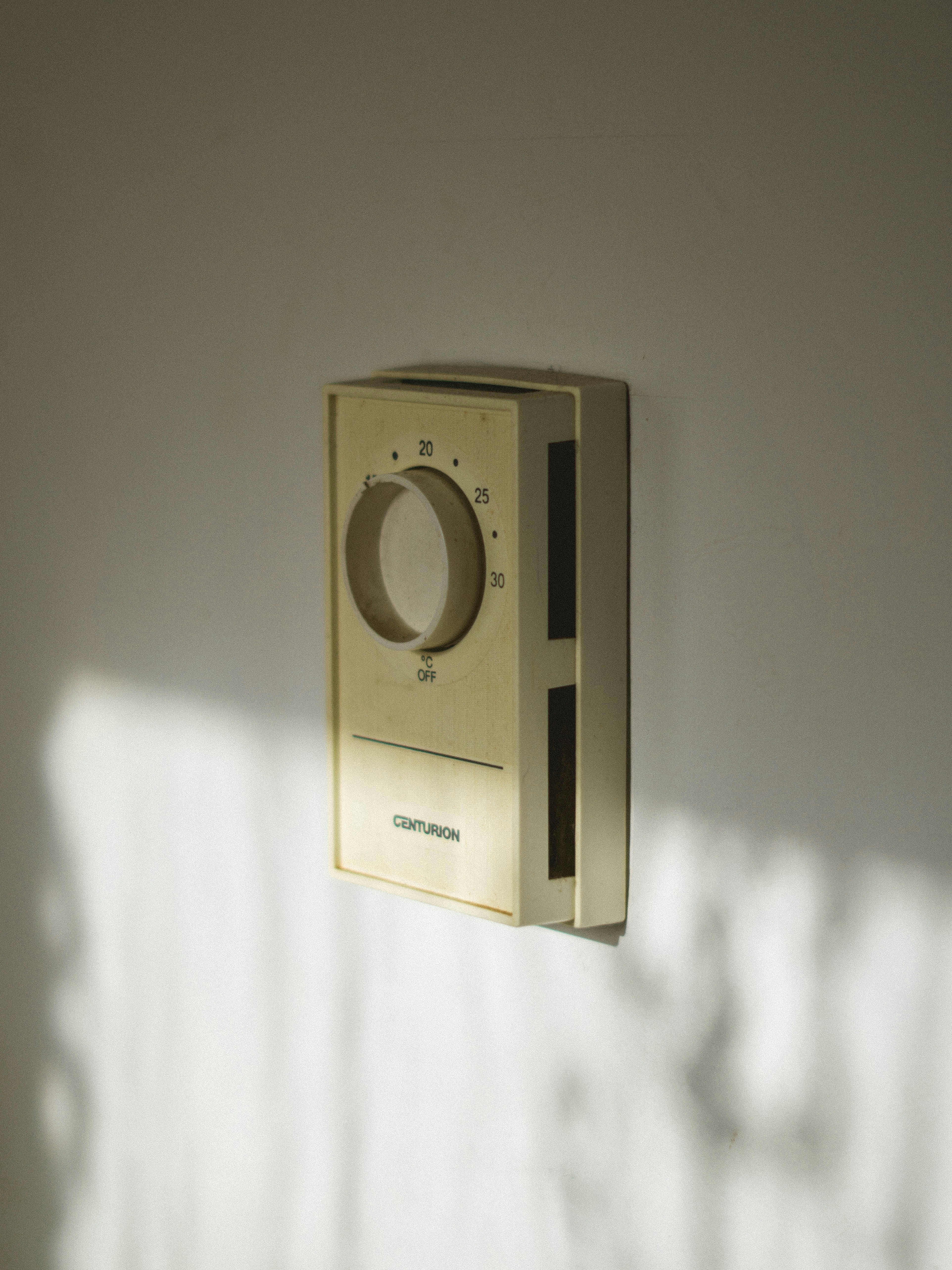
Smart Thermostat Repair in View Park-Windsor Hills, CA
Smart thermostat repair in View Park-Windsor Hills, CA focuses on restoring reliable temperature control, connectivity, and smart features to homes that rely on connected thermostats for comfort and energy savings. In this community, where Mediterranean climate patterns mean mild winters and hot summers, a properly functioning smart thermostat keeps cooling efficient during heat spikes and helps avoid unnecessary energy use. This page explains common smart thermostat problems in View Park-Windsor Hills, how diagnostics and repairs are performed, when on-site repair is appropriate versus replacement, and practical steps to restore smart features.
Common smart thermostat issues in View Park-Windsor Hills
Homeowners in this area report a consistent set of problems that interrupt comfort or smart functionality:
- Connectivity issues - thermostat loses Wi-Fi, cannot reach cloud services, or drops connection to voice assistants.
- Firmware update failures - interrupted or failed updates that leave the thermostat unresponsive.
- Sensor problems - inaccurate temperature readings from built-in or remote sensors, or missing sensor data.
- Battery and power issues - batteries drained quickly, or no C-wire causing unstable power and frequent reboots.
- Compatibility problems - thermostat not compatible with older furnaces, heat pumps, or multi-stage HVAC systems.
- System errors and diagnostics codes - error messages that indicate wiring, relay, or transformer faults.
How we diagnose the problem
Diagnosis begins with verifying whether the issue is software, network, power, or hardware related. Typical diagnostic steps used for smart thermostat repair in View Park-Windsor Hills, CA include:
- Review the thermostat display and app for error codes or status messages.
- Confirm network conditions: SSID, password, 2.4 GHz versus 5 GHz compatibility, router settings, and whether other devices have internet access.
- Check power supply: battery level, presence of a 24 VAC common wire (C-wire), and whether the thermostat is receiving steady voltage.
- Inspect wiring at the furnace or air handler: loose terminals, incorrect wire labeling, or corroded connectors.
- Run firmware and software checks: current firmware version, last successful update, and cloud service status.
- Test sensors and sensor locations for drafts, direct sun, or heat sources that skew readings.
These steps identify the root cause so repairs target the underlying failure rather than symptoms.
Repairs and solutions explained
Below are the common repair actions and what they resolve.
- Resolving Wi-Fi and cloud connectivity
- Reconfigure network settings and connect the thermostat to the correct SSID and band. Many smart thermostats require 2.4 GHz networks. Remove network isolation and MAC filtering if present. Verify router firmware and reboot the network hardware. If the thermostat uses manufacturer cloud services, confirm account status and reauthorize the device.
- Firmware updates and recovery
- Back up settings, ensure steady power during the update, then reattempt the update. If firmware is corrupted, perform a controlled factory recovery and restore saved settings. For persistent firmware failures, hardware-level diagnostics determine if the control board needs replacement.
- Sensor and calibration fixes
- Replace failing remote sensors and recalibrate the thermostat. Move sensors away from direct sunlight, heating appliances, or drafty returns. If a built-in sensor drifts, a recalibration or replacement component may be required.
- Battery replacement and power stabilization
- Replace standard batteries with high-quality alkaline cells and ensure correct polarity. If no C-wire exists and the system shows power instability, install a C-wire adapter or run a dedicated common wire from the furnace to provide steady 24 VAC to the thermostat.
- Wiring and compatibility corrections
- Rewire mislabeled terminals, secure loose connections, and verify compatibility with multi-stage systems or heat pumps. Some smart thermostats need an adapter for older HVAC systems. When voltage or relay faults are present, inspect the transformer and control board at the air handler.
On-site repair versus replacement
Deciding between on-site repair and full replacement depends on several practical factors:
- Repair is recommended when issues are isolated: intermittent connectivity, replaceable sensors, or wiring corrections. Repairs preserve existing smart features and are cost effective for recent models still supported by firmware updates.
- Replacement is advisable when the thermostat has hardware failure that is not serviceable, is several generations old, or is no longer supported by the manufacturer. Replacement also makes sense when upgrading to a model that better matches a home with multi-zone systems or advanced energy management needs.
In View Park-Windsor Hills homes with older electrical or HVAC systems, technicians often find that adding a C-wire or upgrading to a thermostat designed for complex systems is the most reliable long-term solution.
Steps to restore smart features
When your thermostat loses smart features, follow these prioritized steps to restore functionality:
- Confirm stable power: check batteries and C-wire voltage.
- Reboot the thermostat and the home router in sequence.
- Open the thermostat app to check firmware status and re-authenticate the device.
- Reconnect and test remote sensors and schedules.
- Re-link voice assistants and smart home platforms; verify routines and geofencing.
- Run a system test to confirm proper heating and cooling call responses.
If these steps do not restore features, on-site diagnostic testing will determine if a hardware repair or replacement is required.
Preventive maintenance and local considerations
To minimize future interruptions in View Park-Windsor Hills, CA:
- Keep firmware and router software current to reduce compatibility issues.
- Replace thermostat batteries annually or before summer to avoid outages during hot spells.
- Ensure thermostat placement avoids direct sun on warm afternoons and drafts from nearby returns.
- Secure a stable 2.4 GHz network or a dedicated guest network for smart devices to reduce interference.
- Schedule seasonal checks before summer and winter to verify sensors, wiring, and firmware.
Timely attention prevents small problems from becoming system failures that affect comfort and efficiency.
Why timely smart thermostat repair matters
A functioning smart thermostat delivers predictable comfort, improved HVAC efficiency, and the convenience of remote control and automation. In View Park-Windsor Hills, where cooling demand can spike during heat waves, restoring smart features quickly ensures energy savings and reliable climate control. Addressing connectivity, firmware, sensor, or power issues promptly reduces wear on HVAC equipment and preserves the intelligence that optimizes your home system.
Customer
Testimonials
Our customers consistently praise the exceptional service and professionalism of our team. They appreciate the honest advice, meticulous work, and the care taken to ensure their satisfaction.

.webp)
Service Areas
