

Smart Thermostat Repair in Valley Village, CA

Smart thermostat repair in Valley Village, CA provides expert service to resolve issues affecting comfort, efficiency, and smart connectivity. Technicians handle common problems such as Wi-Fi interruptions, firmware errors, sensor malfunctions, power supply issues, and integration failures with other smart devices. A thorough diagnostic process includes remote log reviews, on-site inspections, network and wiring assessments, sensor testing, and HVAC system checks. Solutions range from network reconfiguration and firmware updates to sensor or battery replacement and full smart-home reintegration. Homeowners also receive guidance on when repair is more cost-effective than replacement, what to expect during a service visit, and key maintenance tips to ensure lasting reliability in Valley Village homes.
Smart Thermostat Repair in Valley Village, CA
Smart thermostats are central to comfort, energy savings, and smart home convenience in Valley Village homes. With hot summers and mild winters typical of the San Fernando Valley, many homeowners rely heavily on air conditioning and automated scheduling. When a thermostat stops connecting, misreads temperature, or loses integration with voice assistants, energy bills and comfort can quickly suffer. This page explains smart thermostat repair and troubleshooting tailored to Valley Village, CA, covering connectivity and pairing issues, firmware updates, sensor and battery replacement, app and scheduling diagnostics, repair versus replacement guidance, and restoring integrations with popular smart home platforms.
Common smart thermostat issues in Valley Village, CA
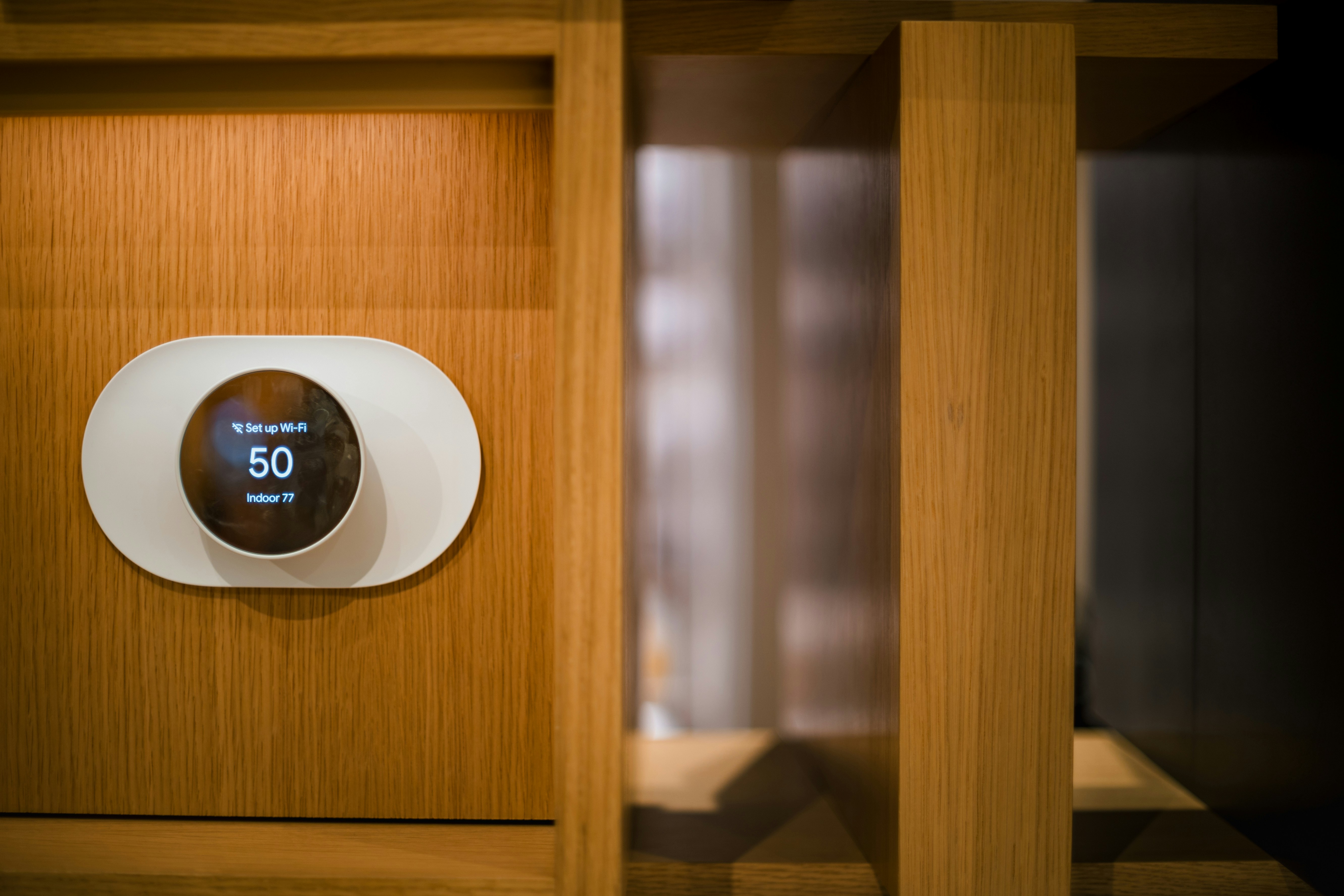
- Connectivity and pairing issues: Thermostats fail to stay connected to Wi-Fi, Bluetooth, Zigbee, or Z-Wave networks, or they lose pairing with the home hub. Local congested Wi-Fi and older routers can compound the problem.
- Firmware and software glitches: Outdated firmware causes unexpected behavior, scheduling errors, or app disconnects.
- Sensor errors and incorrect temperature readings: Internal or remote sensors may drift, show wide variance, or fail completely.
- Battery and power problems: Battery-powered models show low battery warnings or shut down; many line-powered thermostats experience issues from missing C-wires or weak HVAC control power.
- App, scheduling, or geofencing failures: Schedules do not run as programmed, or presence-based features stop working.
- Smart home integration breakdowns: Integrations with Google Home, Amazon Alexa, Apple HomeKit, and SmartThings fail after updates or network changes.
- Compatibility and HVAC response issues: Thermostat commands do not trigger heating or cooling reliably, indicating wiring or relay problems.
How diagnosis works
A focused diagnosis isolates whether the issue is network, thermostat hardware, app/configuration, or HVAC interface:
- Remote log review: When possible, app logs and cloud statuses are checked first to identify recent errors, firmware versions, and disconnection patterns.
- On-site inspection: Technician checks thermostat mounting, wiring, and power sources. For Valley Village homes, attention is given to older houses that may lack a C-wire or have legacy HVAC controls.
- Network and signal assessment: Wi-Fi strength at the thermostat location is measured; interference and router settings are reviewed.
- Sensor and battery testing: Temperature sensors and batteries are tested under load to confirm accuracy and lifespan.
- HVAC interface testing: Outputs from the thermostat to the heating/cooling system are verified with instrument readings to confirm proper control signals.
Typical repairs and solutions
- Connectivity fixes
- Reconfiguring Wi-Fi settings, switching between 2.4 GHz and 5 GHz where supported, and addressing router compatibility.
- Re-pairing Bluetooth, Zigbee, or Z-Wave modules and optimizing hub placement.
- Firmware updates and software restores
- Installing the latest firmware, performing controlled reboots, and restoring factory settings when necessary while backing up schedules and preferences.
- Sensor and battery replacement
- Replacing internal or remote sensors and high-drain batteries. Calibrating sensors after replacement to match actual room conditions.
- Power and wiring repairs
- Installing or converting to a C-wire solution, adding a power extender if compatible, and confirming correct R, C, W, Y, G, and O/B connections.
- HVAC relay and control troubleshooting
- Verifying thermostat outputs and checking for relays or control board issues in the HVAC unit that may mimic thermostat failure.
- Restoring smart home integrations
- Re-authorizing devices within Google Home, Amazon Alexa, Apple HomeKit, or SmartThings, and resolving account or skill linking issues.
- Configuration and scheduling adjustments
- Fixing misconfigured schedules, correcting time zone or geofencing settings, and restoring user preferences after firmware resets.
Restoring integrations with smart home platforms
General steps to re-establish connections:
- Confirm the thermostat has a stable internet connection and is running the latest firmware.
- In the relevant app (Google Home, Alexa, HomeKit, SmartThings), remove the thermostat skill or device entry to clear corrupt pairing.
- Re-link the thermostat account or re-add the device following platform prompts. For HomeKit, ensure the HomeKit code or QR is available and Bluetooth is active if required.
- Test voice commands and automation scenes. Recreate any routines or automations that were lost during re-linking.
- Verify multi-user permissions and shared access settings for household accounts.
Repair vs replacement — how to decide
- Repair is appropriate when
- Problems are isolated (connectivity, battery, sensor) and the thermostat model is current and supported.
- The unit is less than 5 to 7 years old, firmware updates are available, and the casing and display are intact.
- The HVAC system and wiring are compatible and only require minor adjustments.
- Replacement is a better choice when
- The thermostat is older, no longer supported by the manufacturer, or repeatedly fails after multiple repairs.
- Hardware components like the control board, touchscreen, or wireless radio have failed and replacement parts are unavailable or costly.
- You want upgraded features such as built-in multi-zone support, advanced learning algorithms, or native compatibility with newer smart home ecosystems.Consider long-term reliability, energy savings potential, and whether a newer model better suits Valley Village climate patterns and seasonal scheduling needs.
What to expect during a repair visit
- A complete visual and electrical inspection of the thermostat and wiring.
- Measurement of Wi-Fi signal strength and verification of cloud account status.
- Battery swap, sensor calibration, and firmware update if required.
- Functional testing of HVAC response across cooling and heating calls.
- Reconnection and testing of smart home integrations and routine checks to ensure schedules run correctly.
Maintenance tips for Valley Village homes
- Keep firmware current: Check for updates seasonally, especially before summer cooling demand.
- Replace batteries annually: For battery-powered models, replace batteries before peak seasons.
- Check Wi-Fi placement: Move routers or add extenders to ensure reliable signal at the thermostat location.
- Inspect wiring in older homes: Plan for a C-wire upgrade if the thermostat shows power instability.
- Seasonal schedule review: Adjust setpoints and schedules for summer and winter to optimize comfort and savings.
- Maintain HVAC system: Regular filter changes and HVAC tune-ups reduce cycling issues and improve thermostat performance.
Timely smart thermostat repair in Valley Village protects comfort during hot months, preserves HVAC efficiency, and keeps smart home integrations performing reliably. Addressing connectivity, firmware, sensor, and wiring issues early prevents higher energy costs and unnecessary system strain while ensuring your home automation works the way it should.
Customer
Testimonials
Our customers consistently praise the exceptional service and professionalism of our team. They appreciate the honest advice, meticulous work, and the care taken to ensure their satisfaction.

.webp)
Service Areas
