

Smart Thermostat Repair in Topanga, CA

Smart thermostat repair in Topanga, CA addresses connectivity, sensor drift, power loss, and firmware issues that disrupt comfort and savings. Technicians assess wiring, 24V power, HVAC compatibility, Wi-Fi, cloud access, and software integrity, then perform targeted fixes. Typical solutions include securing connectors, adding a C-wire, replacing batteries, rolling back updates, or swapping faulty sensors. When repairs preserve schedules and compatibility, they are preferred; otherwise, replacement may offer reliability. Post-repair testing confirms operation across modes with calibrated sensors and secure wiring.
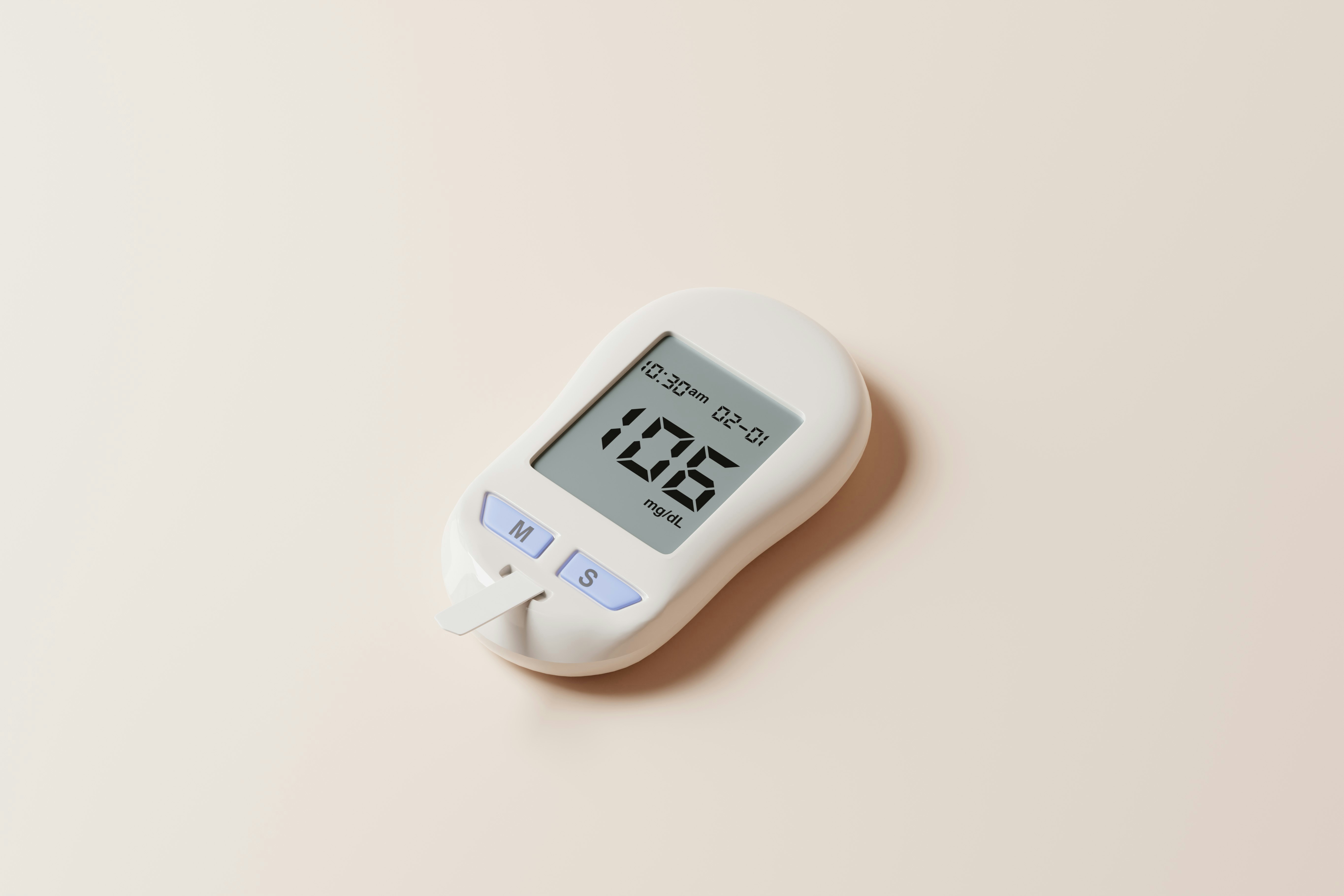
Smart Thermostat Repair in Topanga, CA
Smart thermostats bring convenience and energy savings, but when they lose connectivity, misread temperatures, or fail to power up, household comfort and efficiency suffer. For Topanga, CA homes — many of which face canyon microclimates, intermittent utility shutoffs, and long Wi-Fi runs from routers in multi-level houses — smart thermostat repair requires attention to electronics, wiring, networking, and software. This page explains common problems, diagnostic steps, repair options, and post-repair testing so you can understand what a professional repair includes and when repair is the right choice.
Why timely smart thermostat repair matters in Topanga
Topanga’s mild Mediterranean climate still produces temperature swings between canyon floors and hilltops, plus marine layer mornings and warm afternoons. A malfunctioning thermostat can lead to uneven comfort, wasted energy, and stress on heating or cooling equipment. Additionally, wildfire seasons and planned utility shutoffs can interrupt power and cloud services, causing pairing failures or corrupted settings. Fast, reliable repair restores remote access, accurate control, and energy-saving schedules that matter in this community.
Common smart thermostat issues in Topanga, CA
- Connectivity and pairing failures with home Wi-Fi or HVAC systems
- Firmware or software glitches after updates or extended offline periods
- Sensor drift or miscalibration causing wrong temperature readings
- Power loss or battery problems (including C-wire needs or dead backup batteries)
- Faulty display, touchscreen, or internal hardware failures
- Account, cloud syncing, or app setup problems following power interruptions
Diagnostic process: what gets checked first
A thorough smart thermostat repair follows a clear diagnostic path to isolate the cause without guesswork:
- Visual and safety inspection
- Check for loose wiring, corrosion, or burned components. Confirm power is off when opening the wall plate.
- Power verification
- Measure voltage at the thermostat terminals to confirm presence of 24V common (C-wire) power or battery status. This is critical in Topanga homes with solar or backup systems.
- Wiring and HVAC compatibility check
- Verify correct labeling and seating of wires (R, Rc, W, Y, G, C). Look for adapter use or legacy systems that need a common wire converter.
- Network and app assessment
- Test Wi-Fi signal strength at the thermostat location, confirm router settings (2.4 GHz vs 5 GHz), and check account sign-in and cloud connectivity.
- Firmware and software review
- Confirm firmware version and whether recent updates may have triggered the issue. Check for known software bugs.
- Sensor and calibration tests
- Compare thermostat readings against a reference thermometer in the same room and run diagnostic calibration if available.
- Hardware function check
- Test relays, display, touchscreen, and internal components for intermittent or failed operation.
Typical repairs and solutions
- Re-seating or replacing loose connectors and wiring; cleaning wire contacts
- Installing a proper C-wire or a C-wire adapter when the thermostat lacks consistent power
- Replacing internal batteries or upgrading to a model that supports your HVAC and solar/battery systems
- Firmware rollback or update to resolve known software issues and restore cloud sync
- Replacing faulty sensors, display modules, or the thermostat base if internal hardware is irreparable
- Reconfiguring app accounts, relinking devices, and verifying cloud permissions after a power outage or service interruption
- Improving Wi-Fi coverage with relocation, adding a Wi-Fi access point, or switching band settings to eliminate pairing dropouts — particularly helpful in large Topanga properties with thick canyon walls or long distances from routers
Repair vs replacement: how to decide
Consider repair when:
- The issue is wiring, power, firmware, or a replaceable sensor
- The thermostat is relatively new and parts are available
- You need to preserve existing schedules and integrations that are still supported
Consider replacement when:
- The thermostat is older and incompatible with modern HVAC controls or smart platforms
- Multiple hardware failures recur or parts are no longer available
- You want upgraded functionality like better remote sensors, improved compatibility with solar/battery systems, or native integration with new smart home ecosystems
Repair often preserves investment and settings; replacement can deliver better reliability, new features, and improved energy savings when repairs would be expensive or temporary.
Post-repair testing and verification
A complete repair includes systematic testing to confirm full functionality:
- Power stability check over a multi-hour period and verification of C-wire or battery operation
- Wi-Fi and cloud reconnection testing from local network and remote app access (check remote control from outside the home)
- HVAC control test across modes (heating, cooling, fan) to confirm correct relay operation
- Sensor accuracy confirmation with room temperature comparisons and calibration adjustments
- Schedule and automation testing to ensure saved programs run correctly and that third-party integrations remain functional
- Final inspection for secure wiring and tidy installation to prevent future issues
Maintenance tips for Topanga homeowners
- Keep firmware up to date to receive bug fixes and security improvements, but monitor initial reactions after major updates
- Label wires and keep a photo of the thermostat wiring before any work to simplify future repairs or replacements
- Protect thermostats from power spikes with whole-home surge protection and consider a UPS for critical hubs during PSPS events
- Improve Wi-Fi coverage near thermostats in canyon homes using mesh extenders or additional access points
- Replace backup batteries annually and verify C-wire stability if adding new smart devices or a solar inverter system
- Schedule an annual HVAC and thermostat check after wildfire season or before winter to catch issues early
Accurate diagnostics, the right electrical and network fixes, and thorough post-repair testing restore smart thermostat reliability. For Topanga homes affected by canyon microclimates, intermittent power, or extended Wi-Fi distances, these repairs focus on long-term stability so your thermostat can manage comfort and energy efficiently.
Customer
Testimonials
Our customers consistently praise the exceptional service and professionalism of our team. They appreciate the honest advice, meticulous work, and the care taken to ensure their satisfaction.

.webp)
Service Areas
