

Smart Thermostat Repair in Studio City, CA

Smart thermostat repair in Studio City, CA focuses on restoring reliable temperature control, energy savings, and seamless integrations. The page outlines common issues such as connectivity, firmware glitches, sensor drift, wiring faults, and display failures, and explains how technicians diagnose these problems through wiring checks, power testing, Wi-Fi analysis, and sensor calibration. It covers practical repair steps, including powering improvements, firmware updates, network fixes, sensor recalibration, and component replacements, with guidance on when replacement is more cost-effective than repair today.
Smart Thermostat Repair in Studio City, CA
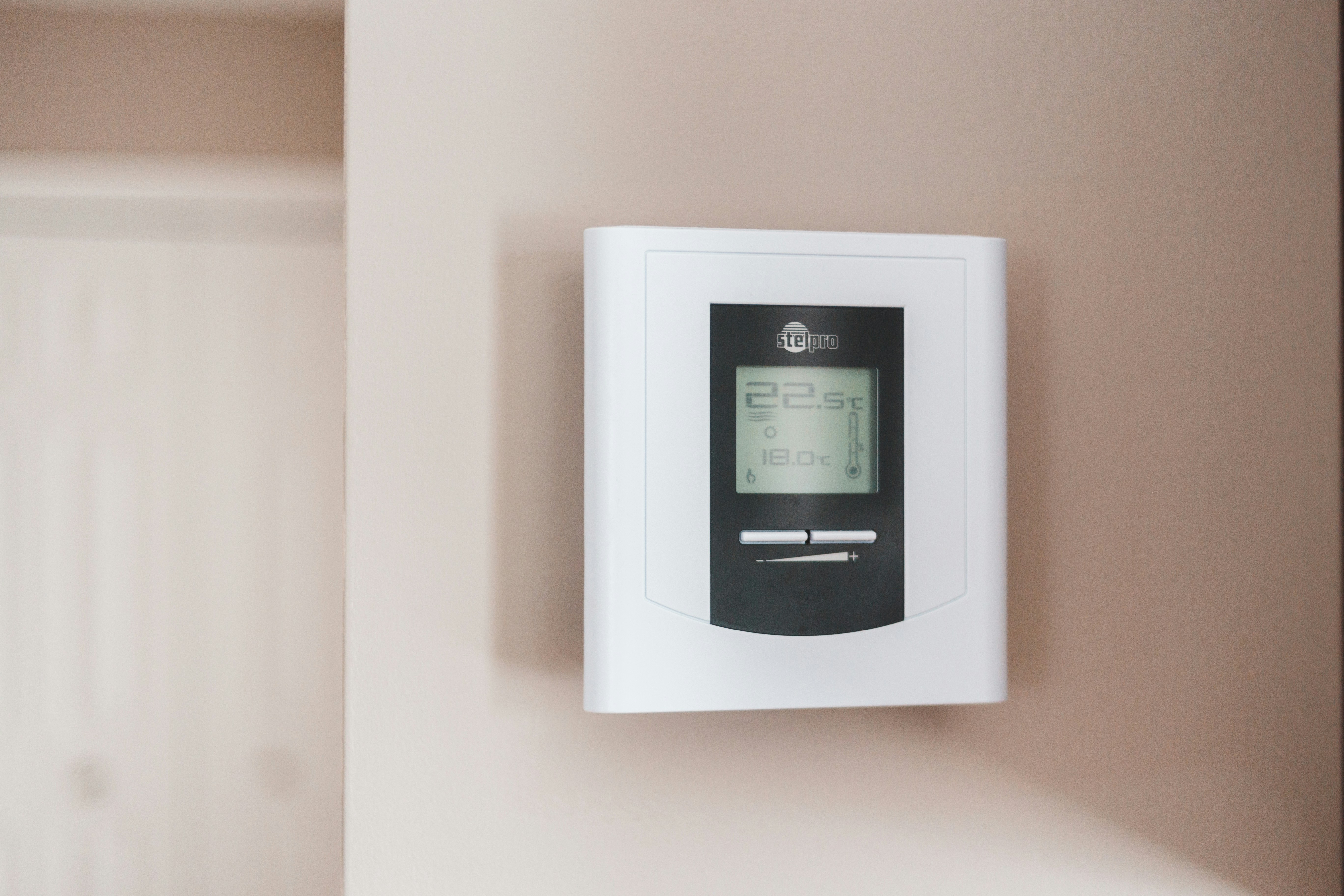
Smart thermostats are central to home comfort and energy savings in Studio City homes. When they misbehave you lose precise temperature control, scheduled energy efficiency, and smart integrations like geofencing and voice commands. This page explains common smart thermostat issues seen in Studio City, how technicians diagnose them, repair options versus replacement, and practical advice to restore reliable smart features and system performance.
Why smart thermostat repair matters in Studio City
Studio City experiences hot, dry summers and mild winters. Air conditioning runs for long stretches in summer and efficient heating is still important in chilly nights. A malfunctioning thermostat can cause higher utility bills, reduced HVAC lifespan from short cycling, and discomfort during heat spikes. Many older homes in the area lack a C-wire or have older HVAC wiring, which increases the likelihood of power and connectivity problems with newer smart thermostats. Restoring proper function quickly protects comfort and maximizes the energy-saving benefits you installed the device for.
Common smart thermostat issues in Studio City
- Connectivity and Wi-Fi problems: Thermostat drops from the network, cannot reach the cloud, or loses integrations with Alexa, Google Assistant, or HomeKit. Dense Wi-Fi usage in neighborhoods can create interference and SSID issues.
- Software and firmware glitches: Failed updates, corrupted firmware, or app sync errors that prevent scheduling or remote control.
- Sensor inaccuracies and calibration drift: Thermostat reports the wrong temperature because of sensor faults or placement near heat sources like windows or direct sun exposure.
- Power and wiring faults: Missing or weak C-wire, poor terminal connections, intermittent power from HVAC control board, or dead batteries on battery-powered units.
- Display and hardware failures: Blank or unresponsive touchscreen, faulty relays, or internal component failure.
- Integration failures: Smart features like geofencing, multi-room sensor pairing, or third-party automations stop working after account changes or cloud service interruptions.
Diagnostic process: what a technician will check
- Verify basic settings and recent software updates in the thermostat app and local device menu.
- Inspect wiring at the backplate and the HVAC control board for loose connections, burnt terminals, or missing C-wire.
- Test power with a multimeter or by observing current draw; determine whether the thermostat is receiving steady 24V power.
- Evaluate Wi-Fi environment: SSID, 2.4 GHz versus 5 GHz compatibility, signal strength at the thermostat location, and router security settings.
- Run built-in diagnostic logs and factory test modes available on popular brands to isolate hardware versus software faults.
- Check sensor accuracy by comparing thermostat readings to a calibrated thermometer and inspecting for draft, direct sun, or nearby heat sources.
- For integration issues, verify cloud account status, linked services, and whether recent password or account changes could have broken connections.
Repairs and troubleshooting steps commonly performed
- Restore stable power: Reattach or replace the C-wire, install a C-wire adapter when adding a physical conductor is impractical, or replace batteries and terminal connectors.
- Firmware update and software repair: Reinstall or roll back firmware as needed, clear corrupted settings, and re-link app accounts to restore cloud features.
- Network fixes: Move the thermostat to a different SSID, set a dedicated guest network for IoT devices, or add a Wi-Fi extender if signal strength is weak.
- Sensor recalibration or replacement: Clean or relocate the thermostat away from direct sunlight, replace internal sensors, or pair external room sensors to improve accuracy.
- Hardware repair: Replace broken displays, relays, or backplates; repair wiring and terminals; or replace failed components when repair is feasible.
- Integration restoration: Reauthorize voice assistants, refresh OAuth tokens, and reconfigure third-party automations to restore routines and scenes.
When replacement makes more sense than repair
Repair is cost effective for isolated issues like wiring repairs, firmware updates, or sensor replacement. Consider replacement when any of the following apply:
- The thermostat is obsolete and no longer receives firmware updates or vendor support.
- Repeated failures occur despite prior repairs.
- Internal hardware is burnt or damaged and the repair cost approaches the price of a new unit.
- You need newer features such as multi-zone sensor support, advanced energy reporting, or native HomeKit/Thread compatibility.
- Your HVAC system is upgraded (for example to a multi-stage heat pump) and the existing thermostat lacks necessary compatibility.
A modern replacement also solves persistent C-wire issues, improves connectivity with current Wi-Fi standards, and provides more accurate multi-sensor zoning when required.
Restoring smart features and integrations
- Re-link cloud accounts and confirm single sign on settings are correct for Alexa, Google, or HomeKit.
- Prefer 2.4 GHz Wi-Fi for most thermostats unless the manufacturer explicitly supports 5 GHz or Thread.
- Maintain firmware updates on both the thermostat and the associated app to prevent synchronization issues.
- Where possible enable local controls or LAN-based automation to retain core functionality during cloud outages.
- Backup schedules and settings before performing resets so automations can be restored quickly.
Preventive tips for Studio City homeowners
- Ensure your thermostat is mounted away from direct sunlight, kitchen heat, or vents for accurate readings.
- Keep firmware current and periodically check integrations after router or account password changes.
- Install a quality home Wi-Fi router and consider an extender for units located on far sides of the house.
- Inspect thermostat wiring during seasonal HVAC service visits to catch loose connections early.
- Replace HVAC filters regularly to prevent airflow problems that can cause the thermostat to overcompensate.
Benefits of timely smart thermostat repair
Prompt repair restores comfort, reduces needless HVAC runtime, and preserves the energy savings and automation you rely on. Fixing small issues early prevents short cycling and extends HVAC component life. In Studio City where summers demand efficient cooling, reliable thermostat control prevents expensive wear and keeps indoor temperatures comfortable during heat events.
If you need a clear assessment of whether repair or replacement is the best option, a professional diagnostic will identify root causes, estimate repair scope, and outline long-term benefits for your specific home and system.
Customer
Testimonials
Our customers consistently praise the exceptional service and professionalism of our team. They appreciate the honest advice, meticulous work, and the care taken to ensure their satisfaction.

.webp)
Service Areas
