

Smart Thermostat Repair in Orange, CA

Smart Thermostat Repair in Orange, CA by Precise Air Systems (FERGUSON) helps homeowners troubleshoot and fix common issues like network problems, display faults, sensor drift, and C-wire challenges. We also handle smart home integrations with Apple HomeKit, Google Home, and Alexa, offering both DIY tips and professional services to keep your thermostat reliable, efficient, and easy to control.
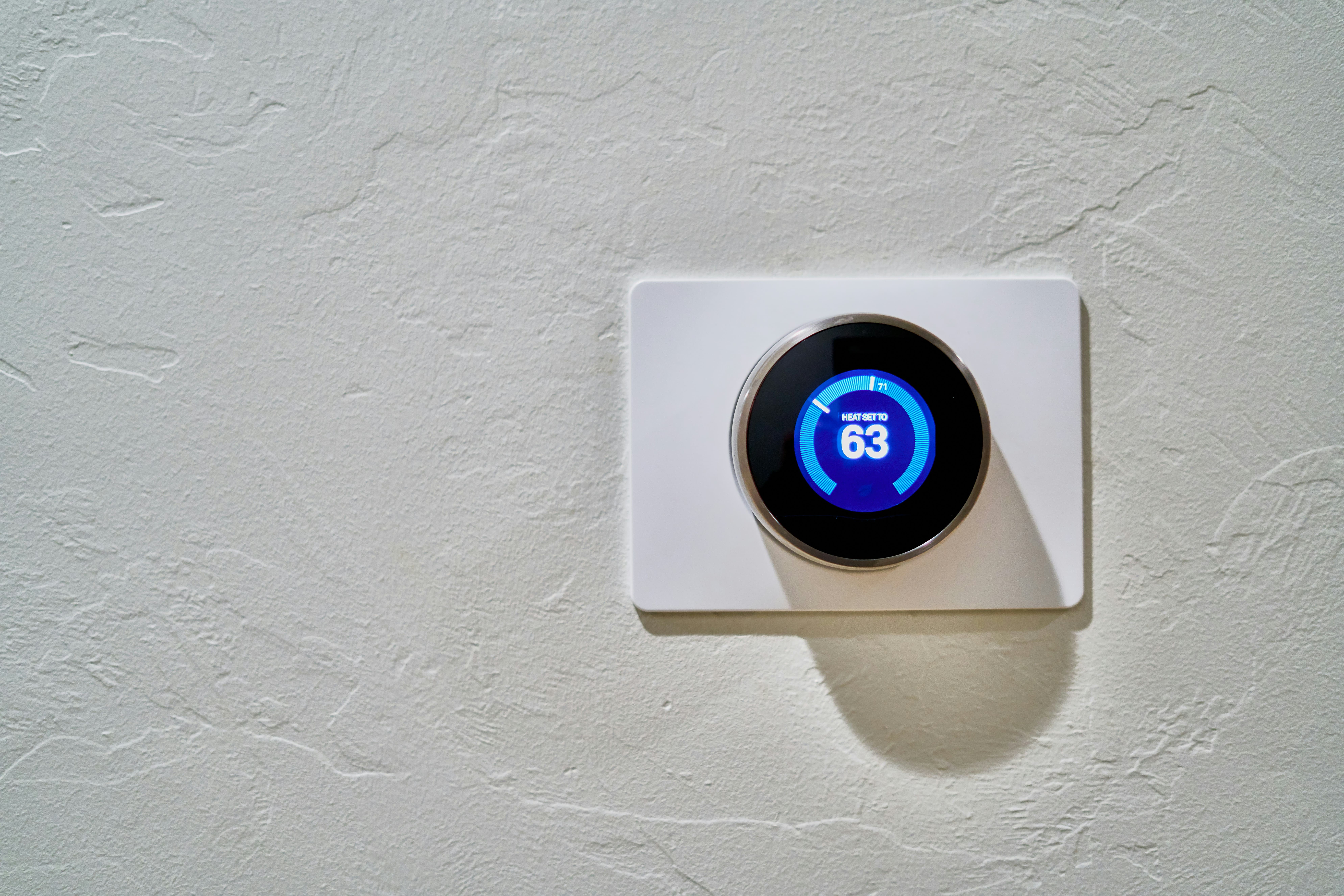
Smart Thermostat Repair in Orange, CA
Smart thermostat failure can disrupt comfort and energy savings fast — especially in Orange, CA where warm summers and mild winters make reliable HVAC control essential. This page explains how Smart Thermostat Repair in Orange, CA works, what common problems we diagnose, practical troubleshooting steps you can take now, and when repair is the right choice versus replacement. Content focuses on software and connectivity troubleshooting, firmware updates, sensor and wiring repairs, restoring integrations, data retention and privacy, and common error fixes tailored to local needs.
Why timely smart thermostat repair matters in Orange, CA
Orange County homes often rely on air conditioning during late spring and summer. A malfunctioning thermostat can cause poor comfort, higher energy use, short cycling, and stress on HVAC equipment. Smart thermostats also serve as the bridge to home automation (Apple HomeKit, Google Home, Alexa), so restoring connectivity quickly preserves convenience and any energy-saving schedules you’ve set.
Common smart thermostat issues in Orange, CA homes
- No network connection / Device offline: Often due to Wi-Fi interference, router changes, or ISP outages.
- Blank or unresponsive display: Power loss, internal hardware faults, or software freezes.
- Incorrect temperature readings: Failed internal sensors or placement errors near heat sources.
- HVAC not responding or short-cycling: Wiring faults, relay failures, or incorrect stage control settings.
- Frequent disconnections from voice assistants: OAuth token or cloud service errors, firmware incompatibility.
- Firmware update failures: Interrupted updates or outdated bootloaders.
- Battery drain or power issues: Missing C-wire on older homes or weak internal batteries.
- Privacy/data concerns: Uncertainty about cloud storage, logs, and what stays on the device.
Quick troubleshooting steps to try before scheduling repair
These low-risk checks often resolve common issues:
- Reboot the thermostat: power cycle at the device or turn HVAC power off at the breaker for 30 seconds.
- Check the HVAC circuit breaker and furnace/air handler power switch.
- Confirm Wi-Fi is working on other devices and that SSID/passwords haven’t changed.
- Inspect wiring at the thermostat: loose or corroded wires, or missing C-wire.
- Move potential interference sources away from the thermostat (routers, cordless phones).
- Replace batteries if the unit uses them for backup.
- If an app shows an error, sign out and back in to refresh cloud tokens; avoid factory resets unless necessary.
Diagnostic process for professional repairs
Professional repair focuses on minimizing downtime while preserving data and integrations:
- On-site inspection of thermostat placement, display, and wiring connections.
- Multimeter testing for consistent 24VAC power and C-wire presence.
- Network analysis: Wi-Fi signal strength, channel conflicts, and DHCP settings.
- Firmware and software inspection: current firmware version, update logs, and compatibility with voice assistants or hub controllers.
- Sensor verification: check internal and remote sensors for drift or failure.
- Integration testing: re-authenticate links to Google, Apple, or Amazon accounts and verify automation triggers.
- Final functional test: run heating/cooling cycles and monitor for proper stage control and runtime.
Repairs and solutions explained
- Firmware updates and reinstallation: Updating or reinstalling firmware resolves many bugs. If an update repeatedly fails, we check for interrupted power or incompatible bootloaders.
- Network and cloud reconnection: Restoring secure OAuth authentication or re-provisioning the device to the home network without factory resets helps retain schedules and data.
- Sensor replacement/calibration: Replace drifted sensors or recalibrate offsets for accurate temperature control.
- Wiring repairs and C-wire installation: Repair corroded connections, add a dedicated C-wire or install a power adapter to stop intermittent power issues.
- Display and hardware fixes: Replace cracked screens, faulty touch assemblies, or internal boards when parts are available.
- HVAC control mapping: Correct thermostat settings for multi-stage systems and ensure correct heat/cool thresholds.
- Data recovery and retention: When possible, preserve schedules and settings by backing up user preferences before resets.
Data retention, privacy, and security considerations
Smart thermostats often store usage logs in cloud accounts and local device memory. Repairs should protect privacy:
- Verify ownership and account credentials before making cloud changes.
- Back up schedules and settings where the platform supports it.
- Recommend secure Wi-Fi settings: WPA2/WPA3, unique passwords, and segmentation of IoT devices on a separate network for security.
- For devices being replaced, perform secure factory resets and clear cloud associations where possible to prevent residual data access.
When repair is not viable: replacement options
Repair may not be the best route in cases of:
- End-of-life models with no available replacement parts or discontinued firmware support.
- Multiple hardware failures (display, Wi-Fi radio, and mainboard) where cumulative repair cost approaches replacement.
- Incompatibility with modern HVAC systems or smart home ecosystems you want to expand into.
- Persistent security vulnerabilities that cannot be patched.
Replacement considerations for Orange, CA homes:
- Newer models offer improved energy management, remote sensors for balanced comfort, better HVAC staging support, and stronger integrations with Apple, Google, and Amazon ecosystems.
- Modern thermostats may qualify for local or utility rebates in Orange County for energy-efficient upgrades.
- Ensure replacement is compatible with multi-stage HVAC and heat pump systems common in regional retrofits.
Maintenance and best practices to prevent future problems
- Keep thermostat firmware current and apply updates during cooler/low-use periods.
- Inspect wiring during seasonal HVAC maintenance to catch loose connections early.
- Place thermostats away from direct sunlight, windows, and heat sources to avoid false temperature readings.
- Use a stable, secure Wi-Fi network and consider using a guest/VLAN network for IoT devices.
- Replace backup batteries annually if applicable and schedule sensor recalibration every 1–2 years.
Final notes on local relevance
Orange, CA’s coastal influence and heat waves make reliable thermostat control a year-round concern. Older homes in the area often require wiring upgrades for modern smart thermostats, and local energy programs sometimes encourage updates for efficiency. A timely repair or informed replacement preserves comfort, reduces energy waste, and keeps your home automation running smoothly.
Customer
Testimonials
Our customers consistently praise the exceptional service and professionalism of our team. They appreciate the honest advice, meticulous work, and the care taken to ensure their satisfaction.

.webp)
Service Areas
