

Thermostat Repair in Compton, CA

Thermostat repair guidance for Compton, CA homes outlines common issues such as calibration drift, wiring faults, sensor failures, and power problems, with emphasis on how technicians diagnose problems using visual inspection, power verification, wiring checks, sensor testing, and smart-device diagnostics. The page explains when to repair versus replace, noting C-wire absence and compatibility considerations for modern controls. It also covers typical on-site timelines, scheduling options, safe DIY tips, and maintenance practices to extend thermostat life and improve system reliability in Compton's climate.
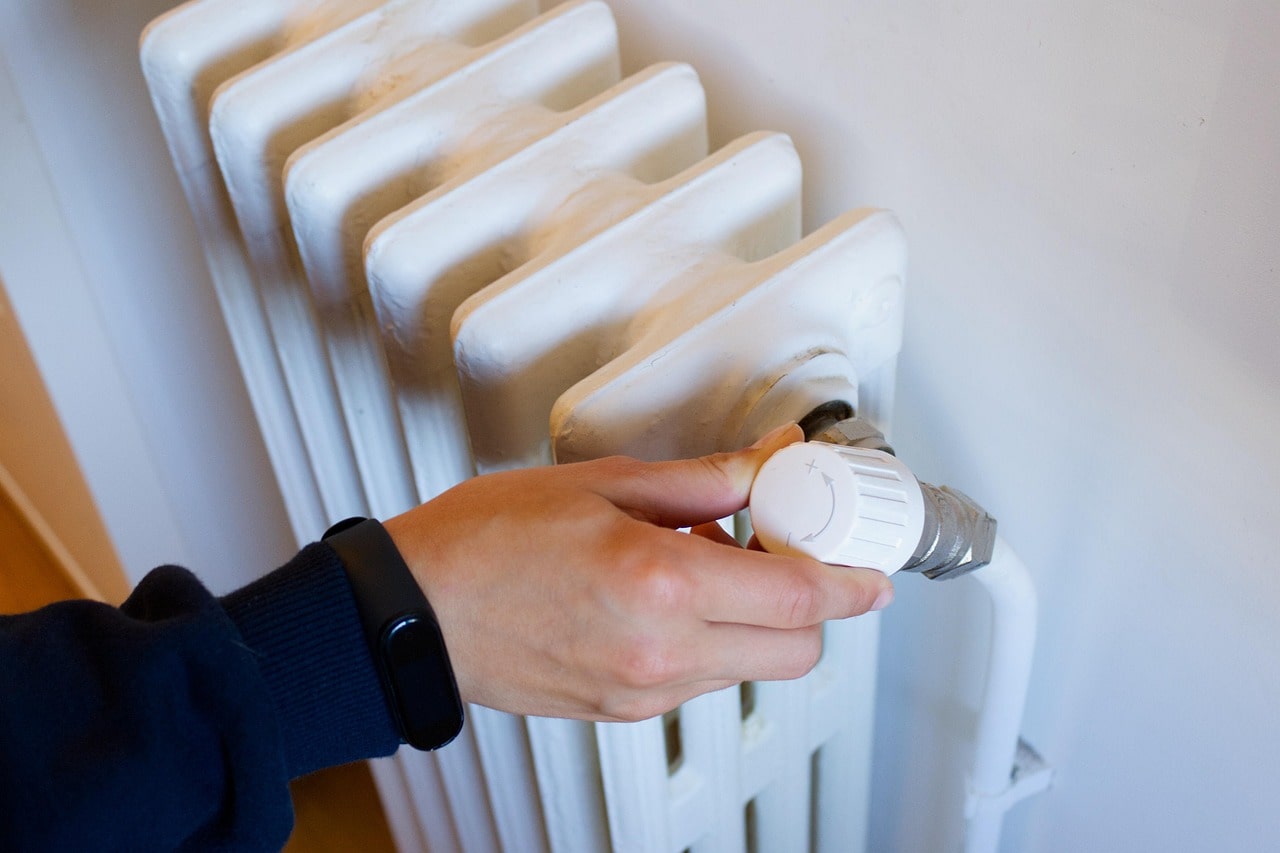
Thermostat Repair in Compton, CA
A properly functioning thermostat is the control center for your home comfort. In Compton, CA, where summer heat spikes and homes rely heavily on air conditioning, thermostat problems quickly turn into uncomfortable, costly issues. This page explains common thermostat problems in Compton homes, how technicians diagnose and fix them, when replacement makes more sense than repair, realistic timelines for on-site service, practical troubleshooting you can do safely, and maintenance tips to prevent future failures.
Common thermostat repair issues in Compton, CA
- Calibration errors: Thermostats that read the wrong temperature cause short cycling, overcooling, or underheating. Calibration drift is common in older mechanical or inexpensive digital units.
- Wiring faults: Loose terminals, corroded connections, chewed wires, or improper wiring after an HVAC change are frequent causes of intermittent operation.
- Sensor failures: Internal temperature sensors, remote sensors, or outdoor sensors can fail or become obstructed by dust, causing inaccurate readings.
- Power problems: Dead batteries, tripped breakers, or lack of a 24VAC common wire (C-wire) can prevent thermostats from powering up or communicating with HVAC equipment.
- Communication or compatibility faults: Smart thermostats that do not pair with furnaces, heat pumps, or older control systems often show errors or fail to call for heat/cool.
- Display and control failures: Blank screens, unresponsive buttons, or stuck mechanical switches indicate component failure.
- Relay and relay-board issues: Relays that control the HVAC system may stick or fail, causing systems not to start or to run continuously.
Local factors in Compton, such as frequent AC use during hot months, dust from urban and industrial activity, and occasional humidity spikes near coastal influences, increase wear on sensors and connections. Older housing stock in areas of Compton can also mean legacy wiring or missing modern wiring conveniences like a C-wire.
How technicians diagnose thermostat problems
Technicians follow a systematic diagnostic process to isolate the issue without unnecessary replacements:
- Visual inspection
- Check the thermostat for visible damage, dirt, or insect nests, and verify the model and wiring labels.
- Power verification
- Test batteries and confirm the thermostat is receiving 24VAC power from the furnace or air handler. Inspect the breaker and related HVAC switches.
- Wiring and connection checks
- Tighten terminal screws, test continuity on wires, and look for corrosion or rodent damage in wall cavities.
- Sensor and environment checks
- Compare thermostat readings to a calibrated thermometer, inspect for drafts or sunlight that could skew readings, and test remote sensors if present.
- Functional test with the HVAC equipment
- Command heat/cool and measure whether the system responds correctly; use a multimeter to confirm control signals and relay operation.
- Smart thermostat diagnostics
- Check firmware, Wi-Fi connectivity, compatibility with the HVAC control board, and any app-reported error codes.
- Load and safety testing
- Confirm the thermostat is appropriately switching and that safety controls and limit switches on the HVAC equipment are not tripping.
Technicians document findings and provide a clear recommendation for repair or replacement based on the defect and system compatibility.
Repair versus replacement guidance
When to repair
- Single-point failures such as loose wiring, a bad battery, a damaged display, or a faulty sensor can often be repaired quickly and cost-effectively.
- Recalibration and software updates for smart units frequently restore proper function.
- If the thermostat is fairly new and compatible with the HVAC system, repair preserves features like scheduling and energy reports.
When to replace
- Repeated failures, age-related degradation, or obsolete mechanical thermostats justify replacement for reliability.
- Incompatibility with modern HVAC controls, or the absence of required wiring (C-wire) when the homeowner wants smart thermostat features, may make replacement the practical choice.
- Extensive corrosion, physical damage, or when repair costs approach the cost of a new, compatible thermostat.
Compatibility notes for Compton homes: many local homes may lack a C-wire. Options include running a new C-wire, installing a power adapter, or selecting a thermostat designed to operate without a C-wire. Technicians evaluate the HVAC control board and recommend the least intrusive solution that ensures long-term reliability.
Typical on-site service timelines and scheduling options
- Diagnostic visit: 30 to 60 minutes is common to inspect, test, and determine the problem.
- Simple repairs: 15 to 60 minutes for tasks like tightening wires, replacing batteries, swapping a sensor, or recalibrating.
- Complex repairs or replacements: 60 to 120 minutes if new wiring, C-wire installation, or compatibility modifications are needed.
- Parts availability: If a specific replacement part or a compatible thermostat must be ordered, service may extend to a follow-up visit; same-day fixes are common when standard parts are on hand.
Scheduling models typically include coordinated appointment windows, priority or same-day diagnostic slots during peak seasons, and planned visits for installation. Many homeowners in Compton choose to schedule thermostat checks before the hottest months to avoid peak-season delays.
Troubleshooting tips homeowners can try safely
- Check batteries: Replace thermostat batteries annually or when the display is dim or unresponsive.
- Verify power: Make sure the HVAC breaker is on and the thermostat’s display is powered.
- Confirm settings: Ensure the thermostat mode is correct (heat, cool, auto), and setpoints are reasonable.
- Compare temperatures: Place a reliable thermometer near the thermostat and compare the readings; a 1 to 2 degree difference can indicate calibration drift.
- Reset the thermostat: For smart units, a simple reboot or factory reset can resolve software glitches but note that settings may be lost.
- Clean the area: Remove dust and vacuum around the thermostat; avoid spraying cleaners directly on the unit.
- Avoid DIY wiring: Do not disconnect or twist high-voltage wires unless you are qualified; improper work can damage HVAC components or cause safety hazards.
If the thermostat still shows errors or the HVAC system does not respond, a professional diagnosis is the safest next step.
Maintenance and prevention for Compton homes
- Annual check before summer: Ensure the thermostat and HVAC system are inspected before heavy AC use.
- Replace batteries yearly and check firmware updates on smart models.
- Keep the thermostat away from direct sunlight, heat sources, and drafty doors to improve accuracy.
- Maintain clean indoor air and change filters regularly; reduced dust lowers sensor contamination and wiring issues.
- Consider upgrading to a modern, compatible thermostat if your HVAC system undergoes major work or if you plan to add energy-saving controls.
Timely thermostat repair improves comfort, reduces energy waste, and helps prevent unnecessary wear on your HVAC system. In Compton’s climate where cooling is relied upon heavily, addressing thermostat issues early preserves system performance when you need it most.
Customer
Testimonials
Our customers consistently praise the exceptional service and professionalism of our team. They appreciate the honest advice, meticulous work, and the care taken to ensure their satisfaction.

.webp)
Service Areas
