

Smart Thermostat Repair in Whittier, CA

Smart thermostat repair in Whittier, CA focuses on diagnosing connectivity and power problems, recalibrating sensors, applying firmware fixes, and replacing faulty components to keep homes comfortable and HVAC systems efficient. Timely service minimizes wear during heat waves and altitude swings and addresses legacy wiring challenges in older homes. Technicians analyze network stability, power wiring, sensor placement, and account integrations, then perform targeted repairs from network fixes to C-wire installations, firmware updates, and secure reconfiguration for reliable smart home control.
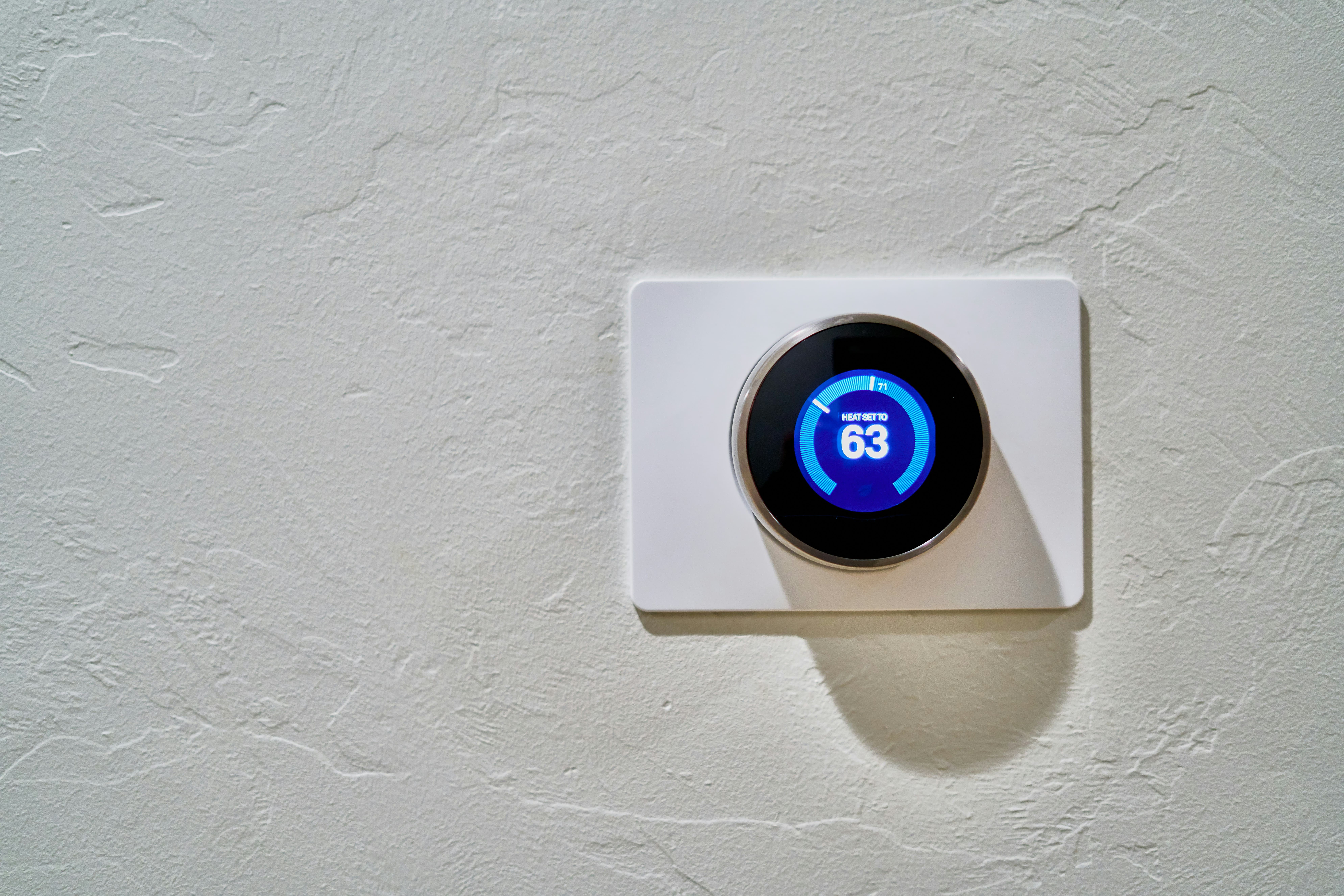
Smart Thermostat Repair in Whittier, CA
Keeping a smart thermostat working reliably is essential for comfort, energy savings, and protecting your HVAC equipment — especially in Whittier, CA where hot summer days and occasional marine layer mornings create wider temperature swings. Smart thermostat repair in Whittier, CA focuses on diagnosing connectivity and power problems, recalibrating sensors, applying firmware fixes, and replacing faulty components so your home stays comfortable and your system runs efficiently.
Why timely smart thermostat repair matters in Whittier homes
Smart thermostats do more than let you change temperature from your phone. They communicate with your HVAC, collect temperature and occupancy data, and manage schedules to reduce energy use. When they fail, you can experience:
- Erratic HVAC cycling or no heating and cooling at all
- Incorrect temperature readings in living spaces
- Lost schedules and data after resets
- Unreliable remote access or integrations with smart home systems
In Whittier, extended AC use during heat waves or morning/evening temperature swings can increase wear on systems. Older homes in the area may have legacy wiring that complicates smart thermostat installations and repairs. Addressing thermostat issues quickly prevents higher HVAC stress and larger repair bills down the road.
Common smart thermostat issues in Whittier, CA
- Connectivity and network issues: Wi-Fi dropouts, captive portals on local networks, or router compatibility problems that prevent remote control and cloud sync.
- Power and wiring problems: Missing or weak C-wire, bad furnace/air handler transformer, or loose terminal connections that cause intermittent restarts or blank displays.
- Sensor calibration and placement: Temperature sensors reading inaccurately due to drafts, direct sunlight, or poor placement.
- Firmware and software failures: Outdated firmware, failed updates, or corrupted software leading to freezes or feature loss.
- Component failure: Faulty relays, damaged displays, or failed internal batteries and capacitors.
- Integration and account issues: Problems syncing with smart home platforms, incorrect login credentials, or account-level locks.
- Power surges and outages: Post-storm power events that damage electronics or corrupt settings.
How diagnostics and troubleshooting work
A systematic diagnostic approach is the fastest way to identify the root cause and avoid unnecessary replacements. Typical steps technicians use:
- History and symptom review: Ask when the problem started, recent changes (new router, HVAC service, power outage), and error messages shown in the app or on the unit.
- Connectivity check: Verify Wi-Fi strength at the thermostat location, router compatibility with 2.4 GHz vs 5 GHz bands, and whether the thermostat has cloud access.
- Power and wiring inspection: Turn off power, remove cover, inspect terminals for loose wires, check for a C-wire, and test the transformer voltage at the air handler.
- Sensor verification: Compare thermostat temperature readings with a calibrated thermometer, check placement, and evaluate whether external sensors are communicating correctly.
- Firmware and account diagnostics: Review firmware version, attempt an update if available, and verify account credentials and integrations.
- Functional test with HVAC: Command heating and cooling cycles to confirm relay behavior and verify the thermostat is controlling the system as expected.
Typical repairs and solutions
- Network fixes: Reconfigure Wi-Fi settings, move thermostat or router for better signal, use a compatible extender, or switch to the correct frequency band.
- Wiring and power repairs: Install a C-wire adapter or run a new C-wire, replace a failed transformer at the air handler, or secure terminal connections.
- Firmware updates and software resets: Apply official firmware updates, clear corrupted caches, or perform a controlled factory reset after backing up settings.
- Sensor recalibration or replacement: Reposition the thermostat, recalibrate internal sensor if supported, or replace external sensors.
- Component replacement: Replace failed relays, displays, or internal power components when diagnostics show hardware failure.
- Account recovery and reconfiguration: Restore cloud access, re-link smart home services, and ensure secure credentials are in place.
Data backup and safe reset procedures
Before any reset or firmware action, backing up configuration and schedules preserves learned behavior and saved settings:
- Use the thermostat app or account portal to export schedules and settings if the manufacturer supports it.
- Note or photograph wiring connections and terminal labels to ensure accurate reinstallation.
- When performing a factory reset, confirm that HVAC control wiring is stable and that power to the unit will be restored under controlled conditions to avoid incomplete updates.
- After reset, apply firmware updates first, then restore saved settings and re-establish integrations.
Typical service timelines
- Remote diagnostics and software fixes: 15 to 45 minutes when access is available through the cloud and no wiring work is needed.
- Basic on-site troubleshooting and minor wiring adjustments: 45 to 90 minutes.
- C-wire installation or transformer replacement: 1.5 to 3 hours depending on access to the air handler and routing.
- Sensor replacement or thermostat exchange: 45 minutes to 2 hours, including reconfiguration and verification.
- Complex integrations or multi-zone system work: 2 to 4 hours for systems with multiple thermostats or zoning components.
Maintenance tips to keep a smart thermostat reliable
- Keep thermostat firmware current and check app notifications for updates.
- Ensure stable Wi-Fi coverage where the thermostat is located; consider mesh systems for larger Whittier homes.
- Verify the thermostat has a stable power source; install or confirm presence of a C-wire for consistent operation.
- Avoid installing thermostats on sun-exposed walls, near vents, or behind drafts which distort sensor readings.
- Schedule HVAC maintenance seasonally so system components like compressors and filters do not stress the thermostat indirectly.
- Use surge protection for the HVAC system in areas prone to occasional electrical disturbances.
Final notes on reliability and performance in Whittier
Smart thermostat repair in Whittier, CA requires both electrical and network-savvy troubleshooting because many issues are a mix of wiring, HVAC control, and connectivity. Addressing problems early, especially before peak summer demand, preserves comfort and prolongs equipment life. Regular checks, firmware hygiene, and proper installation help smart thermostats deliver the energy savings and convenience they promise for Whittier homes.
Customer
Testimonials
Our customers consistently praise the exceptional service and professionalism of our team. They appreciate the honest advice, meticulous work, and the care taken to ensure their satisfaction.

.webp)
Service Areas
