

Smart Thermostat Repair in San Dimas, CA

Smart Thermostat Repair in San Dimas, CA provides professional diagnostics and secure data handling to restore dependable climate control and system performance. The service addresses common issues such as connectivity failures, firmware glitches, sensor drift, wiring or power problems, and integration errors. Technicians follow a structured diagnostic process that safeguards existing schedules and energy reports while determining whether repair or replacement is the best option based on model compatibility, system age, and homeowner goals. The service includes data backup, firmware updates, and full system restoration, followed by final testing and preventive maintenance tips to ensure lasting reliability and efficiency.
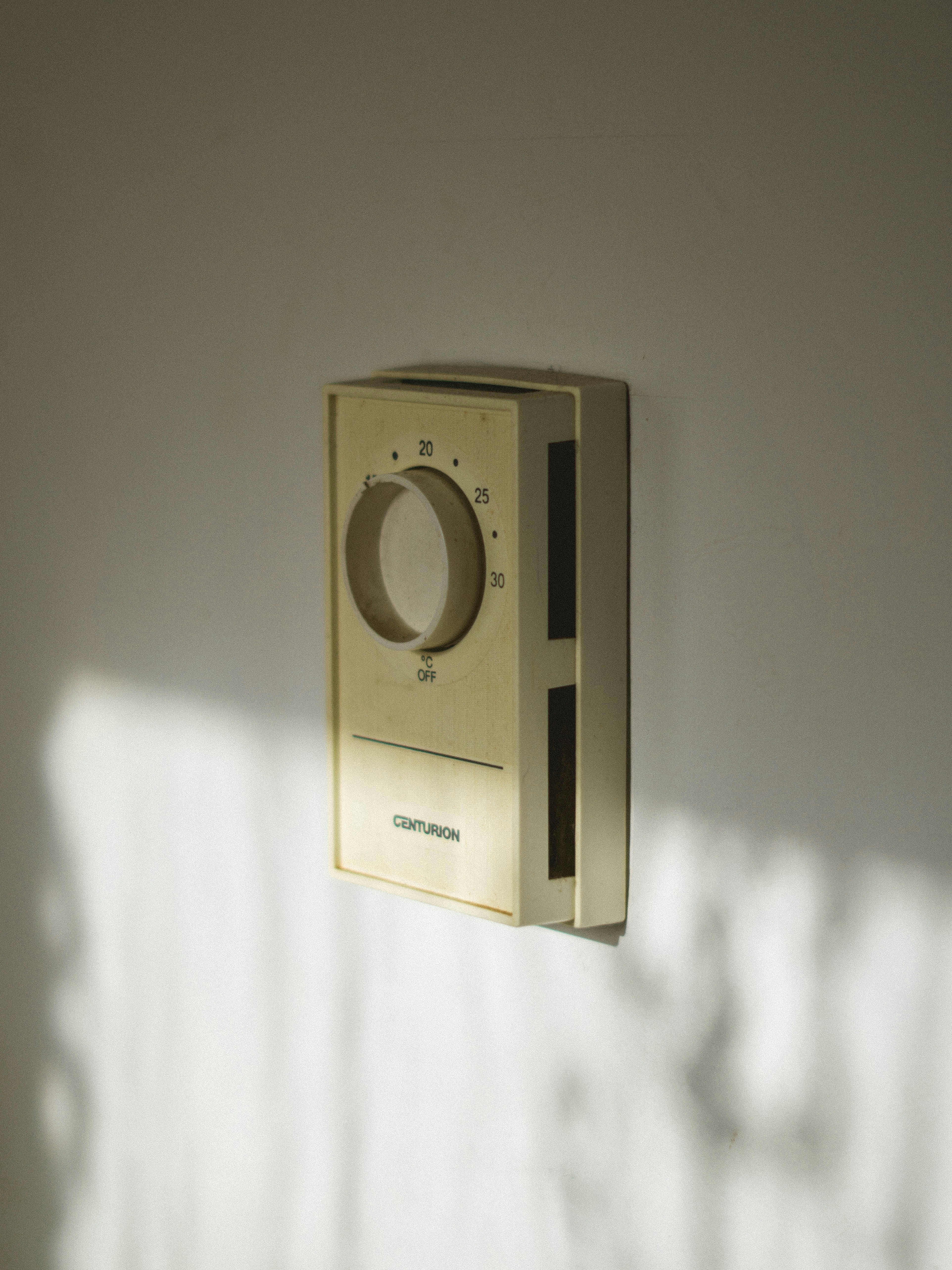
Smart Thermostat Repair in San Dimas, CA
Smart thermostats are central to home comfort and energy savings in San Dimas, CA. With hot summers, cool winter nights, and occasional power or air-quality events, a malfunctioning thermostat can mean higher bills, uneven comfort, or HVAC strain. This page explains how smart thermostat diagnosis and repair are performed, common issues local homeowners face, when repair makes sense versus replacement, how we protect your settings and data, and the tests used to confirm full integration with your HVAC system.
Common smart thermostat issues in San Dimas, CA
Homes in San Dimas often combine older HVAC systems with modern smart controls. That mix creates predictable problem patterns:
- Connectivity issues: Thermostat drops WiFi, fails to reach cloud services, or loses smartphone control. Local causes include weak home WiFi, router placement in older homes, or intermittent broadband service during storms.
- Firmware and software faults: Failed updates, corrupted firmware, or app mismatches can cause frozen interfaces, unexpected resets, or lost schedules.
- Sensor and calibration errors: Temperature or humidity readings that are consistently off, causing overcooling or underheating. Sensors can be affected by sun exposure on walls, placement near kitchen or stairwells, or dust accumulation.
- Power and wiring faults: No power, frequent reboots, or power-cycle behavior often trace to missing common wire (C-wire), loose connections, or legacy 24V systems incompatible with certain smart models.
- Integration and control failures: Thermostat does not activate heat pump, furnace, or air conditioner reliably, or has problems communicating with auxiliary devices like smart vents, humidifiers, or air purification systems (important during wildfire season).
- User-interface and responsiveness problems: Touchscreen lag, blank displays, or inability to change settings locally.
How diagnostics work
A thorough diagnostic separates simple fixes from deeper repairs, preserving any saved schedules or energy reports when possible.
- Initial interview and symptom capture: We document what you are experiencing, when it started, and any recent changes to HVAC, WiFi, or electrical service. Local context like recent storms or smoke events is noted.
- Visual and wiring inspection: Check wall plate, wiring labels, presence of C-wire, and any signs of voltage issues. For older San Dimas homes, we pay special attention to corroded terminals or nonstandard wiring.
- Power and voltage testing: Confirm 24V control power and look for intermittent drops that cause reboots.
- Network and cloud checks: Test WiFi signal strength at the thermostat, router reachability, and account connectivity to the thermostat maker’s cloud services.
- Firmware and log review: Examine thermostat logs and firmware version to identify failed updates or software faults.
- Sensor and control verification: Compare thermostat readings to a calibrated meter and run relay tests to ensure proper call-for-heat and call-for-cool signals to the HVAC equipment.
- Isolation tests: Temporarily bypass or simulate components to isolate whether the thermostat, wiring, or HVAC control board is the root cause.
Repair vs replacement: what to consider
Deciding whether to repair or replace depends on several practical factors:
- Repair is often best when:
- The thermostat has a recent model year and supports current firmware.
- Problems are wiring related, firmware-corrupt, or sensor/calibration based.
- You want to retain energy reports, schedules, or smart-home integrations already set up.
- Replacement may be preferable when:
- The thermostat is end-of-life, lacks vendor support, or has repeated hardware failures.
- Your HVAC system upgrades require a different control strategy or newer communications protocols.
- Long-term energy goals are better met with a higher-end model or one that supports local air-quality sensors and advanced zoning.
Cost of repair versus replacement, compatibility with existing HVAC, and data preservation are the main decision drivers. Local climate patterns in San Dimas make efficient cooling especially important, which may tilt decisions toward modern, higher-efficiency replacements in some homes.
Data backup, firmware updates, and restore procedures
Protecting schedules, preferences, and integration settings avoids the hassle of starting over.
- Account and cloud backup: Where available, verify that the thermostat is linked to the manufacturer account and that schedules are synced to the cloud before any reset.
- Exporting settings: For platforms that allow it, export schedules or integration keys prior to firmware work.
- Safe firmware update process: Apply updates from a stable power and network source. If a previous update failed, perform a controlled rollback to a known stable firmware before reapplying a corrected update.
- Restore and verification: After repairs or replacement, restore backed-up settings, re-link smart-home integrations, and confirm schedules and geofencing functions are active.
Follow-up testing to ensure HVAC integration
Post-repair testing confirms the thermostat and HVAC operate as a cohesive system.
- End-to-end call tests: Initiate heat and cool cycles from the thermostat, app, and cloud to confirm consistent behavior from multiple control paths.
- System cycling and load checks: Run extended cycles to observe compressor starts, fan behavior, and system pressures indirectly via response. Watching for short cycling is important in San Dimas summers.
- Sensor cross-checks: Compare indoor readings with a portable calibrated meter and, if applicable, test outdoor sensor or multi-zone sensors for consistency.
- Smart-home and automation checks: Verify that schedules, geofencing, voice control, and any linked air cleaners or ventilation systems respond correctly.
- Documentation of changes: Provide a clear record of what was fixed, wiring changes, firmware versions, and any remaining recommendations for the home.
Preventive tips for San Dimas homeowners
A few practical steps can reduce repeat issues and keep systems efficient:
- Ensure stable WiFi at the thermostat location; consider a mesh access point for larger or older homes.
- Protect control wiring from damage during renovations and label wires clearly when making changes.
- Keep thermostat vents and sensors away from direct sun, kitchens, or stairways to avoid skewed readings.
- Periodically check for firmware updates and let updates run during low-use times to avoid disruptions.
- During wildfire season, confirm any indoor air-quality features and HVAC filtration are integrated and functioning.
Timely smart thermostat repair preserves comfort, prevents unnecessary HVAC wear, and keeps energy savings intact for San Dimas homes facing wide temperature swings and occasional air-quality or power events. By following a structured diagnostic process, protecting your settings, and running comprehensive integration tests, you can restore reliable control and trust that your thermostat and HVAC system are working together as intended.
Customer
Testimonials
Our customers consistently praise the exceptional service and professionalism of our team. They appreciate the honest advice, meticulous work, and the care taken to ensure their satisfaction.

.webp)
Service Areas
